Feature Updates 12/03/2025
New Features: Control Panel Split Transactions & Batch Editing
We’ve released two enhancements to give administrators more flexibility and control when correcting data entry errors in OnlineGiving.org.
NEW: Split Transactions Created in the OnlineGiving.org Control Panel Quick Entry
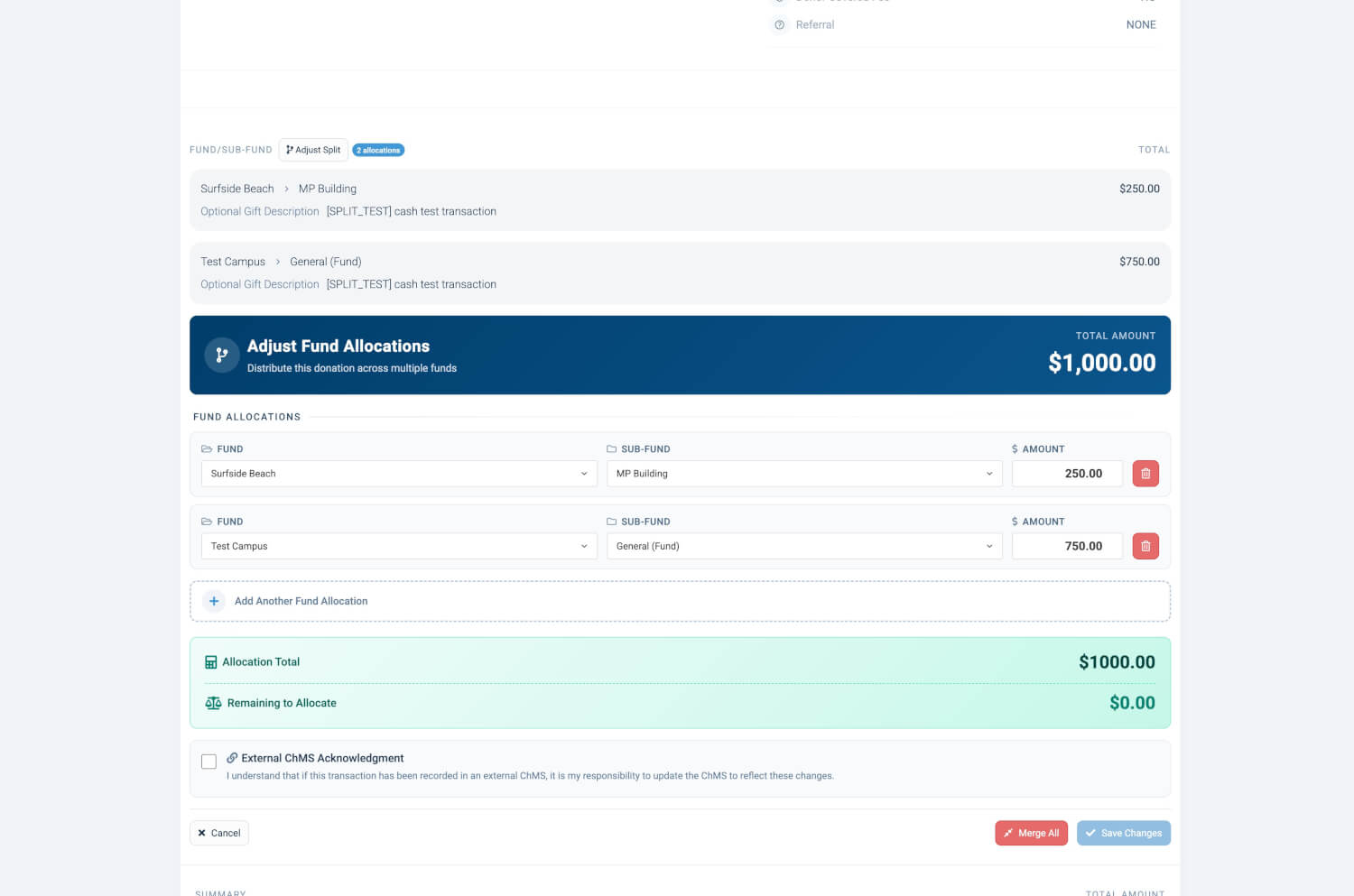
An update is now live that allows modification of existing transactions entered through the Control Panel Quick Entry features—such as Cash, Check, and Non-Cash Asset entries—to adjust fund allocations. Administrators can now split a transaction into multiple funds or merge multiple allocations back into a single fund.
This update is designed to allow church administrators to easily correct human errors made during quick entry without recreating or replacing the original transaction.
How it works:
-
Open any donation in your Transactions list.
-
In the Fund section, select “Split Transaction.”
-
Add, remove, or adjust fund allocations as needed.
-
Save your changes.
What you can do:
-
Split a donation across multiple funds
-
Merge multiple allocations into a single fund
-
Adjust fund amounts at any time
-
Supported for Cash, Check, and Non-Cash Asset donations
Preview of Split Feature
NEW: Update Batch Name or Batch Date in Control Panel
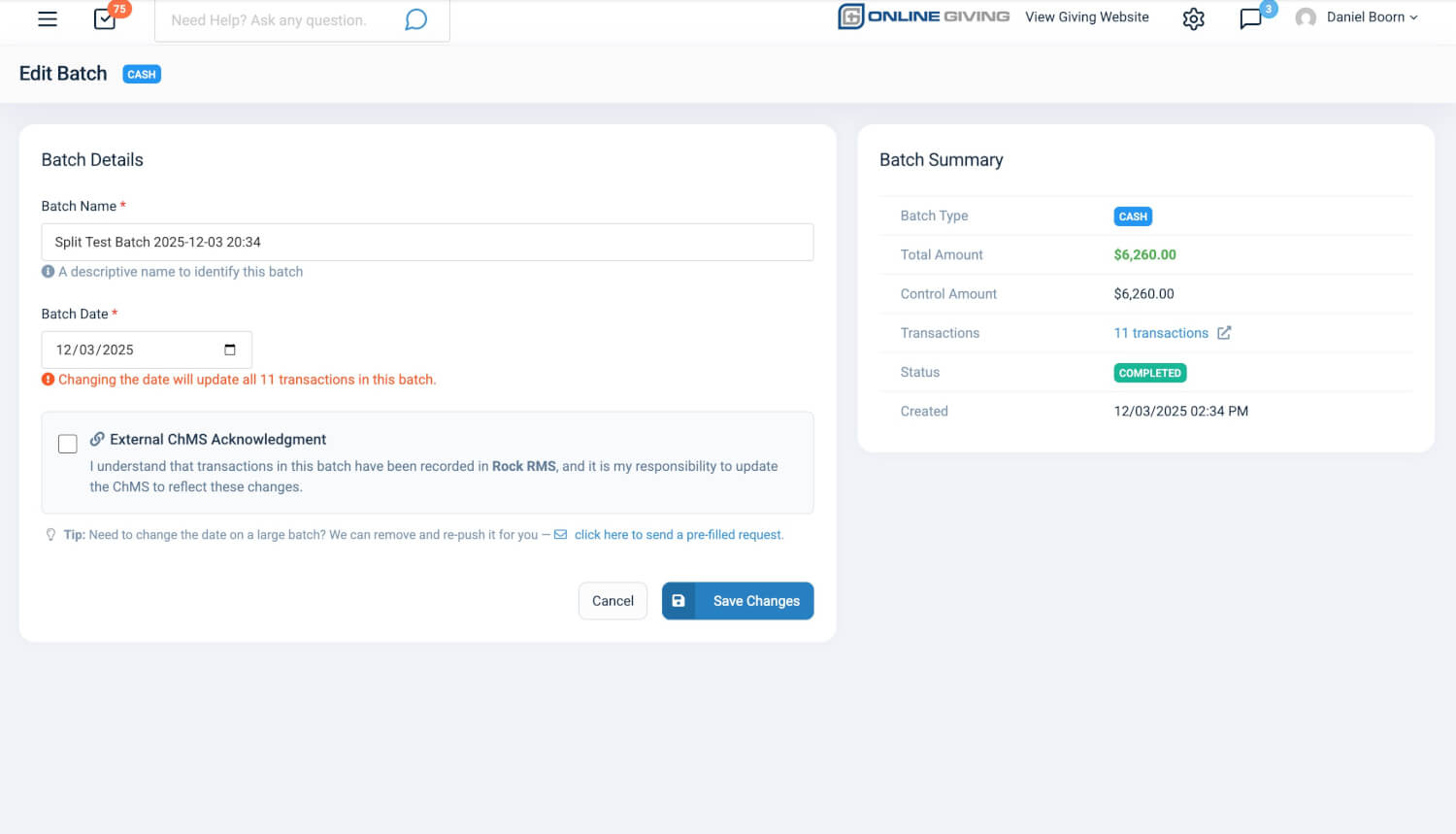
An update is now live that allows modification of an existing batch name or batch date, enabling corrections for human errors that may occur during Check Scan or Quick Entry workflows.
If a batch date is updated, all associated transactions will automatically have their dates updated as well.
How it works:
-
Go to Batches in your control panel.
-
Click the gear icon next to the batch you want to update.
-
Select “Edit Batch.”
-
Update the batch name or batch date.
-
Save your changes.
What you can do:
-
Update any batch name
-
Correct batch dates (up to 2 years in the past or 90 days in the future)
-
Automatically update transaction dates when the batch date changes
Preview of Edit Batch