Feature Updates 01/12/2026
A Smarter, More Flexible Navigation Experience for the OnlineGiving.org Control Panel
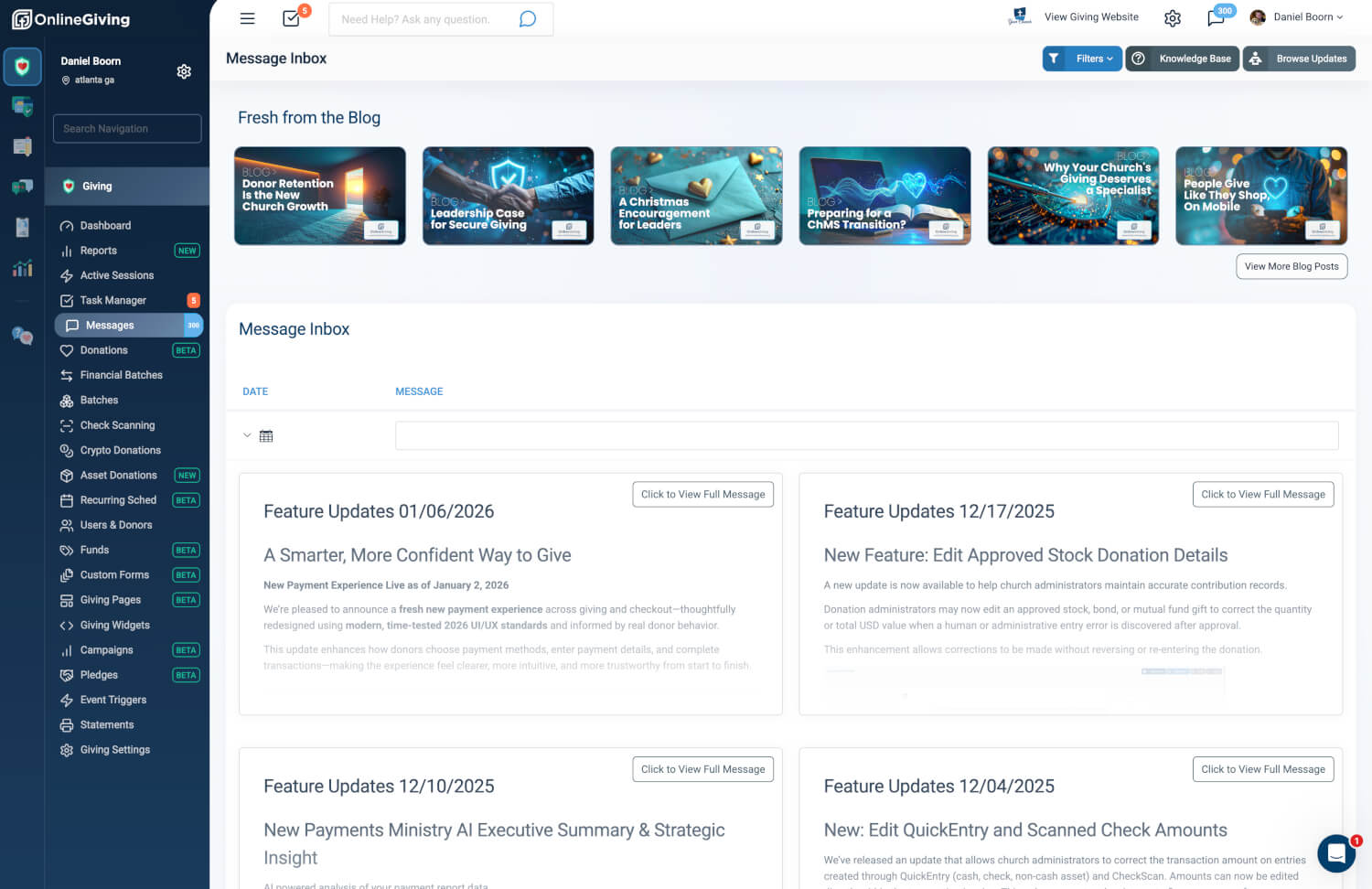
We’ve introduced a refreshed sidebar and mobile navigation experience across the OnlineGiving.org Control Panel—designed to make everyday tasks feel faster, cleaner, and more intuitive.
This update focuses on reducing friction, improving clarity, and giving you more control over how you move through the platform.
A Sidebar That Works the Way You Do
The redesigned sidebar is more adaptive and intentional than ever:
-
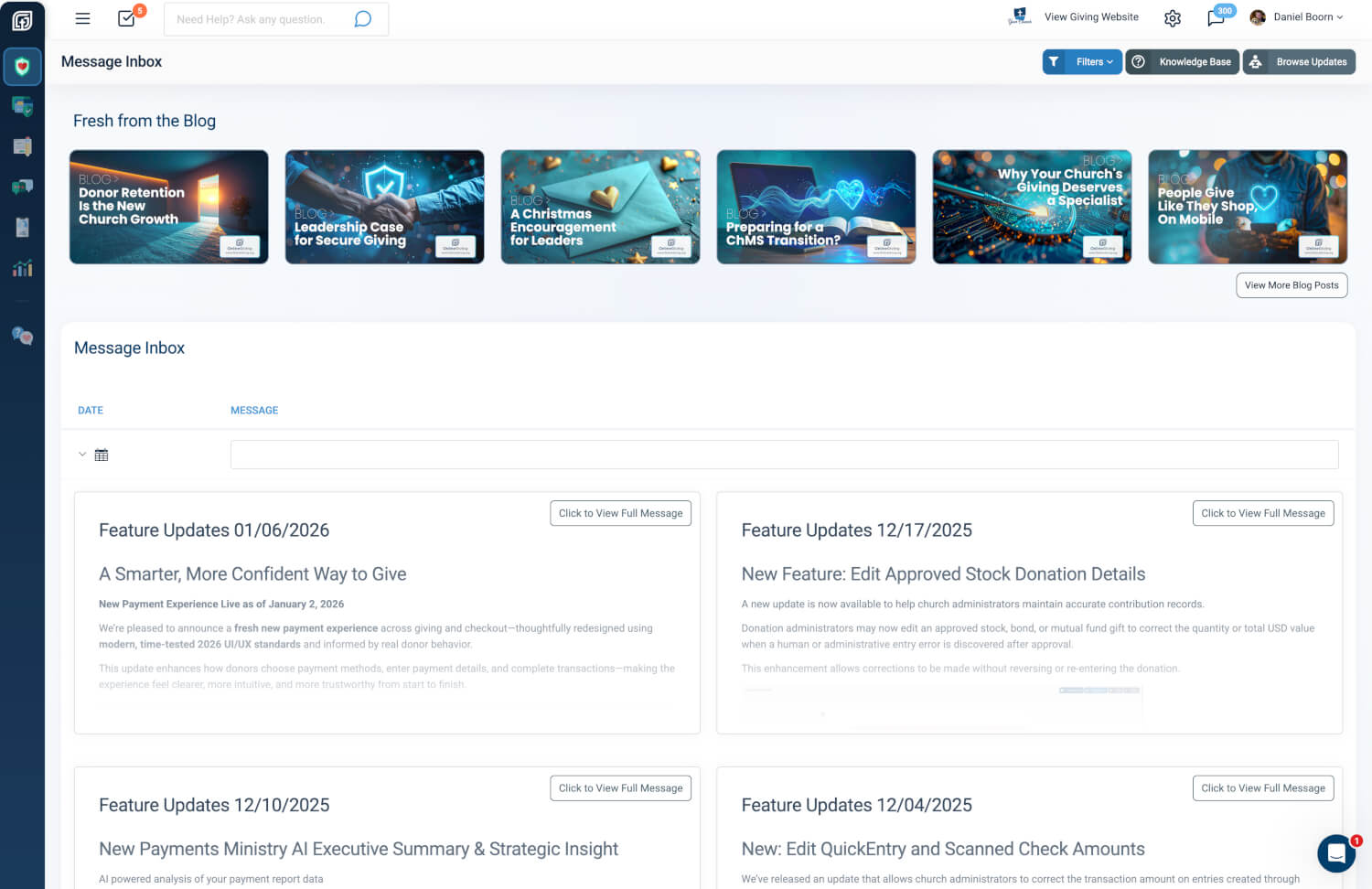
Remembers your preference — whether you prefer the sidebar open or closed, your choice now persists as you move from page to page.
-
Smart auto-close behavior — on pages where workspace matters most, the sidebar automatically collapses to give you more room to focus.
-
Optimized for collapsed mode — when closed, hovering over product icons reveals full menu labels instantly, without relying on fly-out menus.
The result is a cleaner interface that stays out of the way—while keeping every tool easily accessible.
Faster Navigation with Global Search
Our navigation search remains a core part of the experience and continues to search across the entire Control Panel, no matter which product or section you’re currently in. Finding what you need is faster and more consistent, without breaking your workflow.
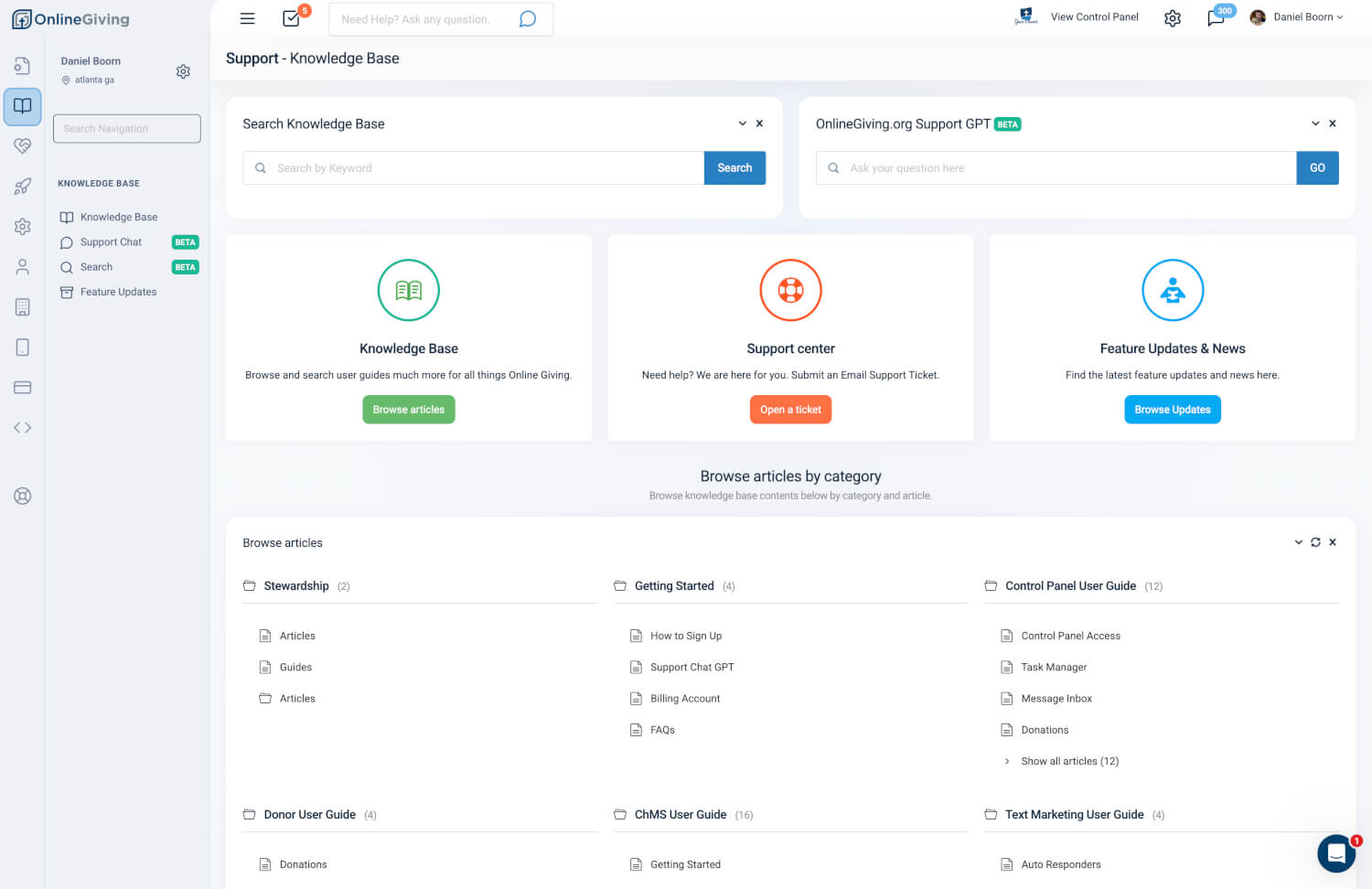
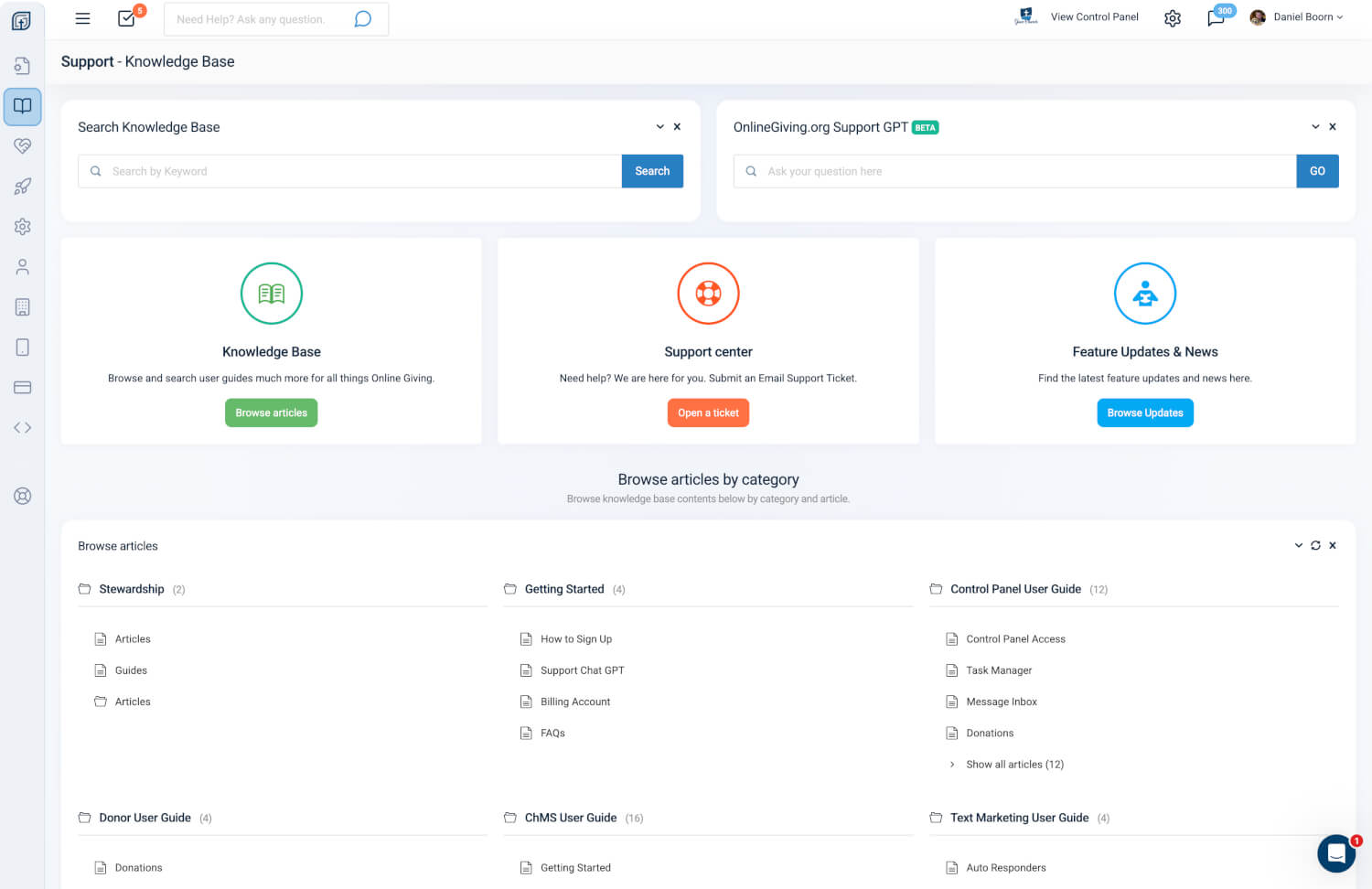
A Unified Experience Across Support & Knowledge Base
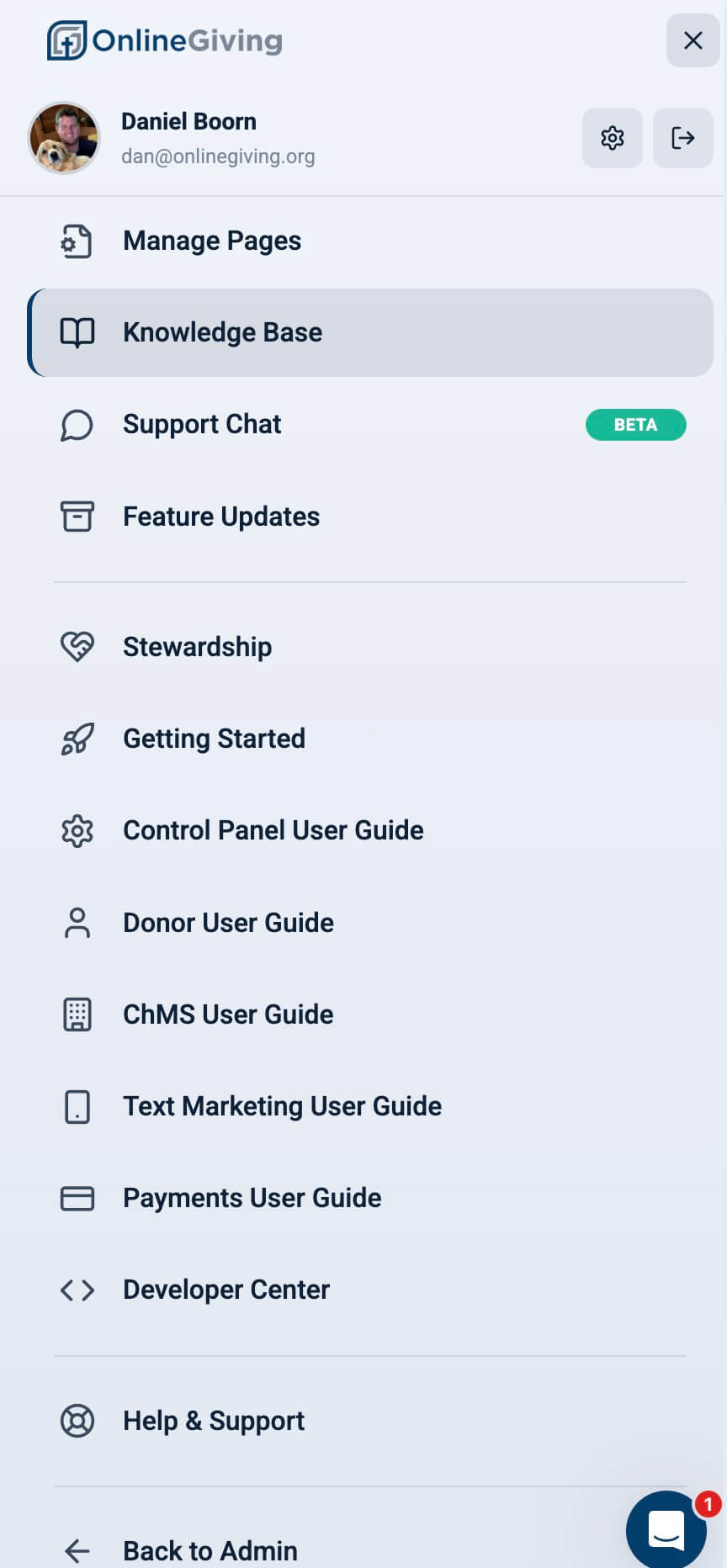
These same navigation improvements now extend to the Knowledge Base and Support Center, creating a more cohesive experience as you move between managing giving and accessing help, documentation, or updates.
Completely Redesigned Mobile Navigation
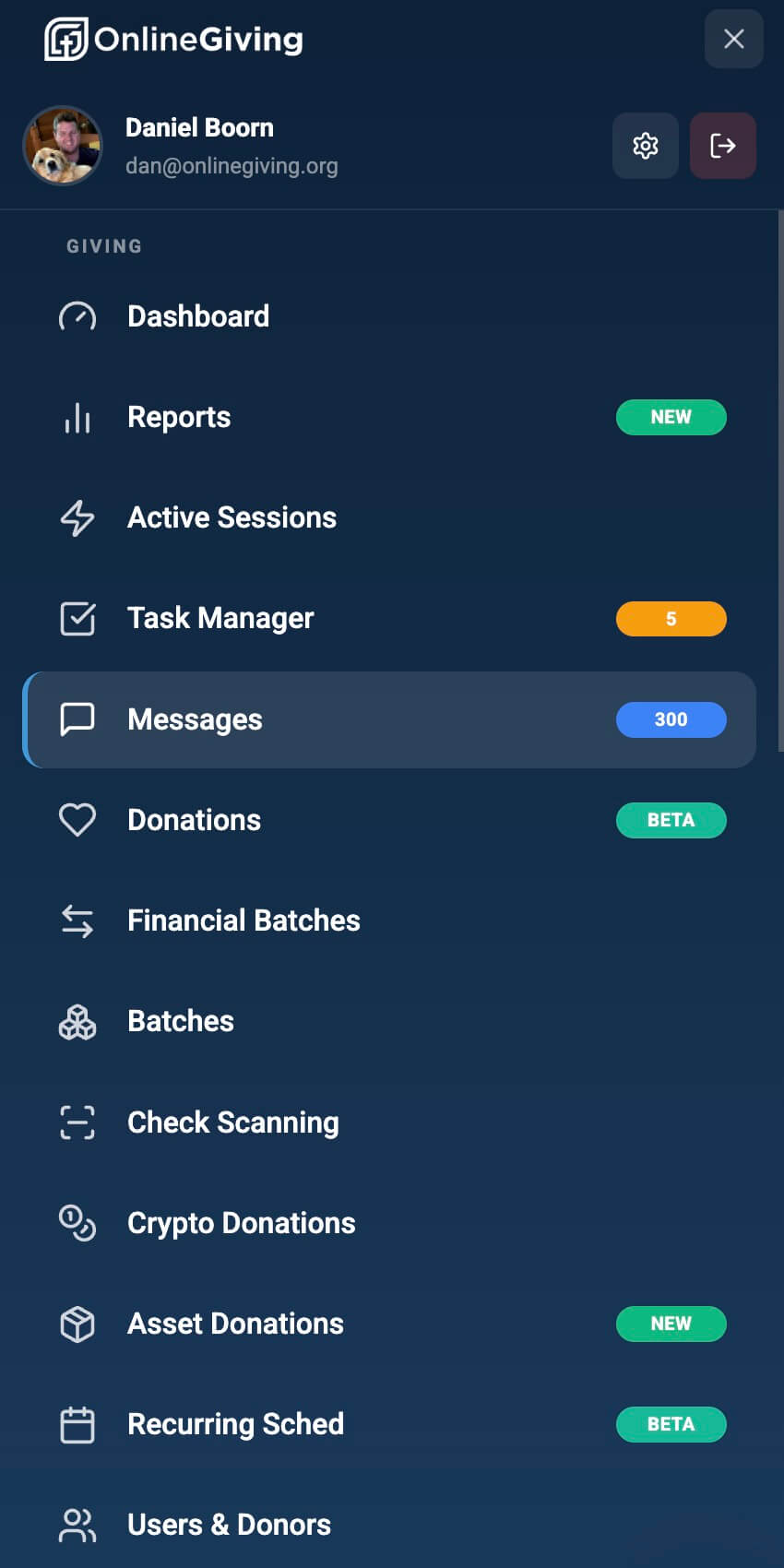
We’ve also fully redesigned the Control Panel mobile navigation to be simpler, clearer, and easier to use on smaller screens—making it easier to manage your organization on the go.
Why This Update Matters
This refresh isn’t about adding complexity—it’s about removing it. By minimizing visual noise, improving consistency, and adapting to how you actually use the Control Panel, navigation now feels more natural across desktop and mobile.
It’s a subtle upgrade—but one you’ll notice every time you log in.