Feature Updates 03/30/2022
OnlineGiving.org Custom Form Builder User Interface Enhancements
We're pleased to report an update is now live that enhances the OnlineGiving.org Control Panel Custom Form Builder feature component with the following improvements:
- Clicking on the Add Element (+) Button will now display a dropdown menu of element options making it quick to select the desired element.
- When a new element is added to the form the UI will now autofocus on the element and highlight it for a brief period of time to bring attention to the location.
- New elements are now inserted into the form directly under the currently selected form element making it quick to insert new elements in a certain position.
- When clicking "Add Action" under the form integration actions will now automatically open the new Action display and autofocus on the Action Title input.
Short Screencast Demo of New Custom Form Builder UI Enhancements:
https://vimeo.com/694018638/5dd22045a4
OnlineGiving.org Chatbot Builder User Interface Enhancements
We're pleased to report an update is now live that enhances the OnlineGiving.org Control Panel Chatbot Builder feature component with the following improvements:
- Parameter prompts (questions) now support multiple lines for better formatting of multiple-choice questions or similar.
- When clicking "Add Action" under the form integration actions will now automatically open the new Action display and autofocus on the Action Title input.
- When clicking "Add Parameter" under the form parameters section will now automatically open the new Parameter display and autofocus on the Param Title input.
Short Screencast Demo of New Chatbot Builder UI Enhancements:
https://vimeo.com/694018672/8b0df15825
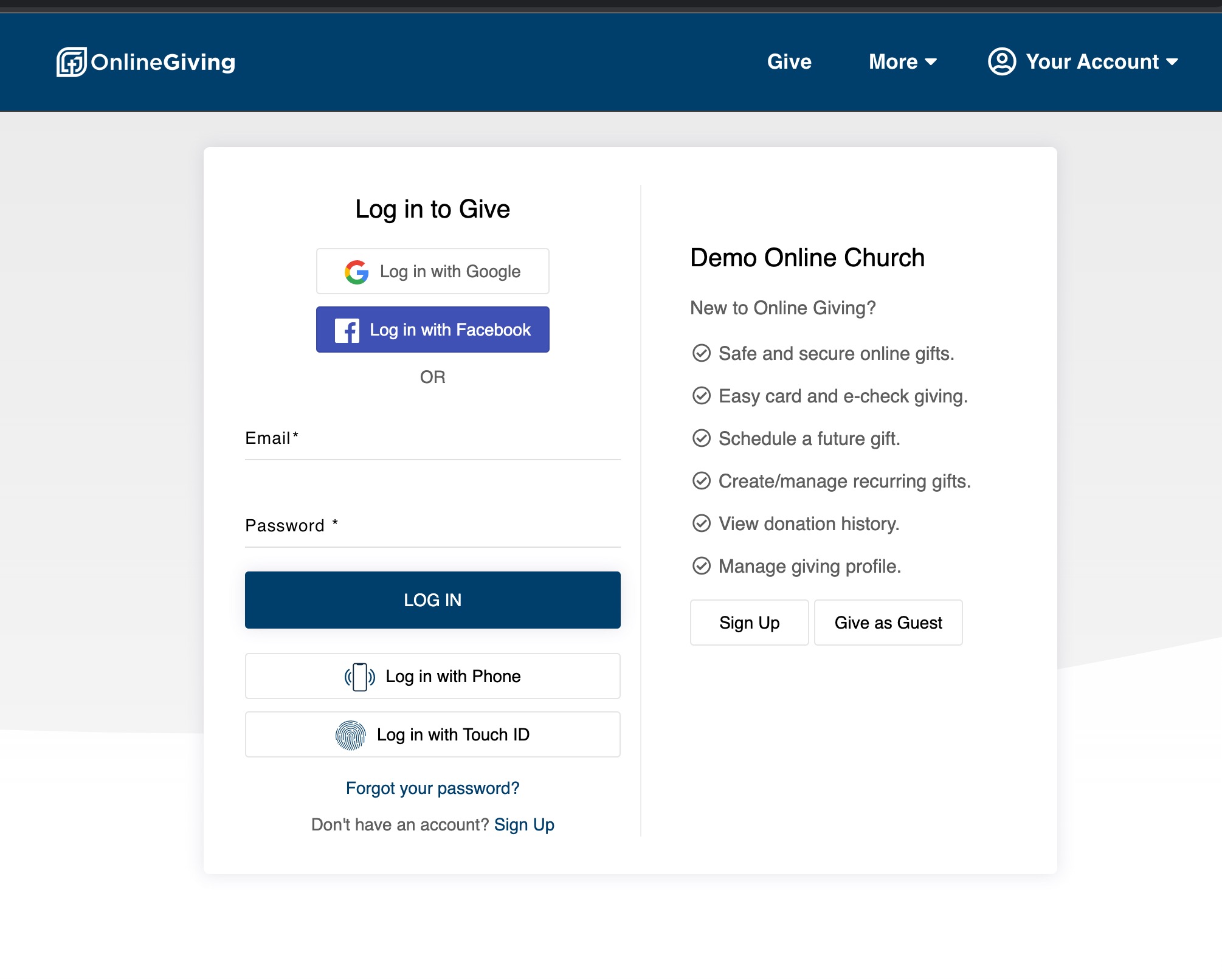
New OnlineGiving.org Giving Website User Interface Enhancements
We're pleased to announce various user interface enhancements are now live for OnlineGiving.org giving websites, including but not limited to:
- Enhanced styling on primary and secondary buttons.
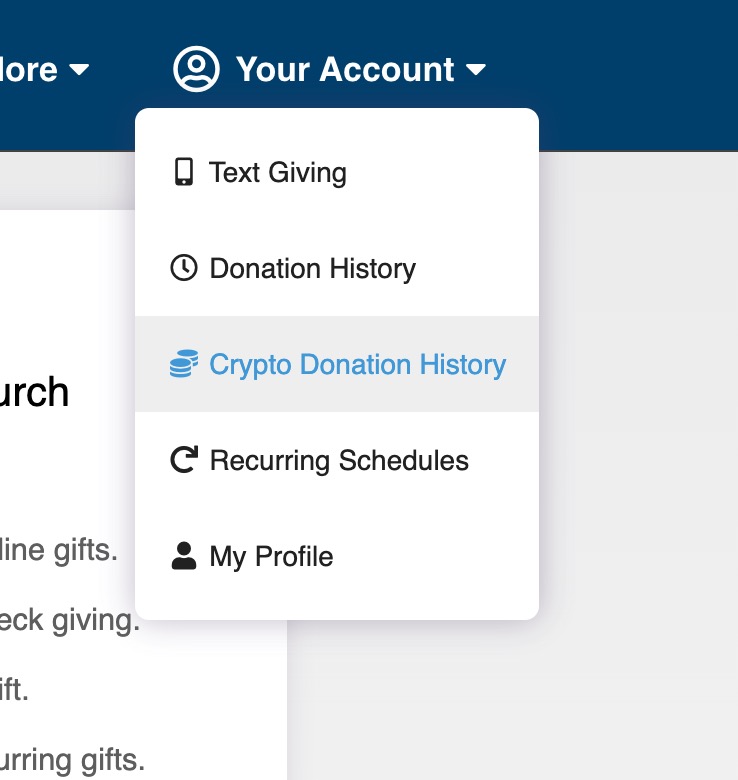
- Enhanced styling on dropdown menus.
- Enhanced styling on the Login to Give page.
- Enhanced styling on the Register to Give page.
- Custom form pages are now allowed to display 900px wide.
- Enhanced styling for the fund/sub-fund right arrow display.
New OnlineGiving.org Giving Website "More" Dropdown Menu
We're pleased to announce an update is now live for OnlineGiving.org, giving website navigation that automatically displays a dropdown menu named "More" when more than 3 custom giving pages and/or custom forms are visible in the website navigation menu. The update's goal is to prevent church administrators from inadvertently putting too many menu items into the navigation header. Additionally, the update allows a better layout for those churches with 3+ custom giving pages or custom forms in the navigation menu.

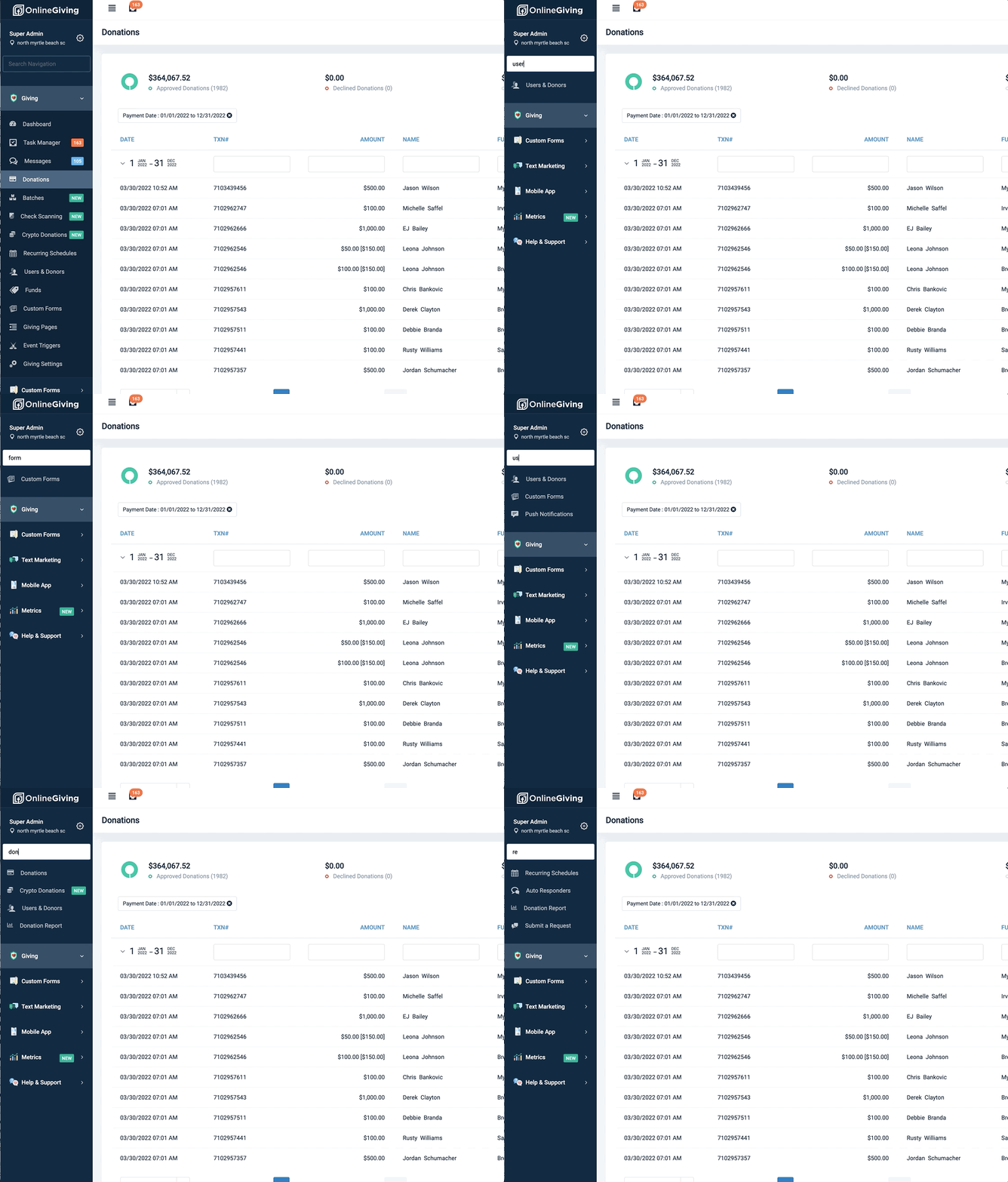
New OnlineGiving.org Control Panel Navigation Quick Search Feature
An update is now live that enhances the OnlineGiving.org Control Panel navigation with a quick search feature. Church administrators may now type in partial or full keywords to filter control panel navigation menu links quickly.