Feature Updates 04/28/2021
OnlineGiving.org App Designer Updated with In Application Guest Giving Option
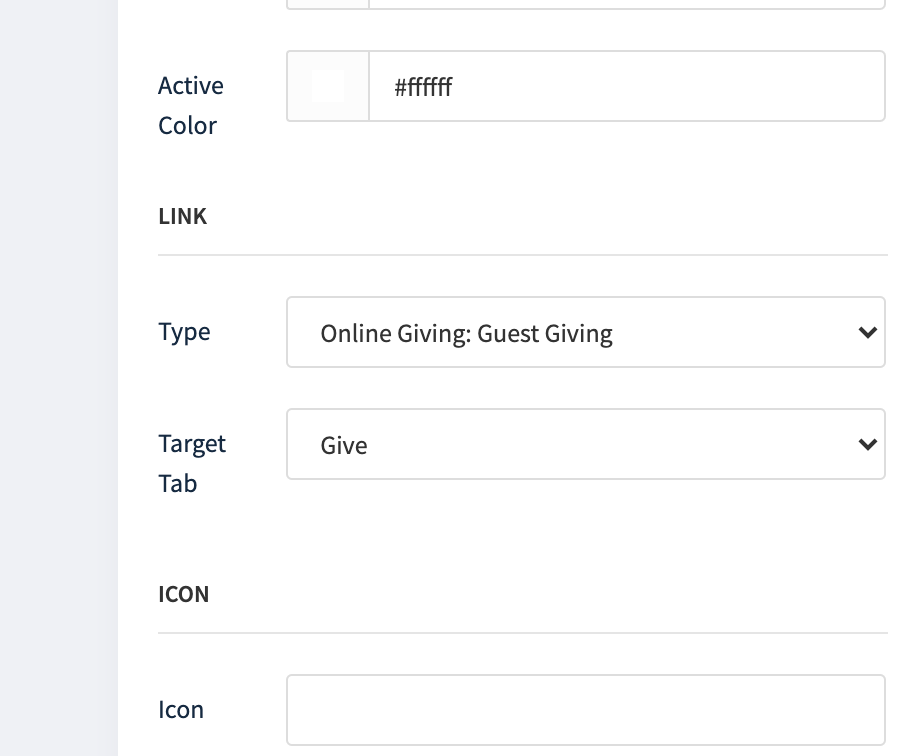
We're pleased to report an update is to the OnlineGiving.org Control Panel App Designer to allow church administrators to now optionally select in-app guest giving "Online Giving: Guest Giving) instead of the default in-app giving that requires a login. We noticed a trend of church administrators attempting to use the frame feature for framing guest giving in the application, which is discouraged as it bypasses multiple application features, including accessing saved payment methods. Further, framing the guest giving using the "frame" option violates the Apple Terms of services and can result in the application getting rejected post-market by Apple. If your church is framing guest giving in the application, we strongly suggest updating the link option to the new "Online Giving: Guest Giving" option today in the App Designer for an enhanced in-app donor experience.
Example of New "Online Giving: Guest Giving" Link Type Option in App Designer:
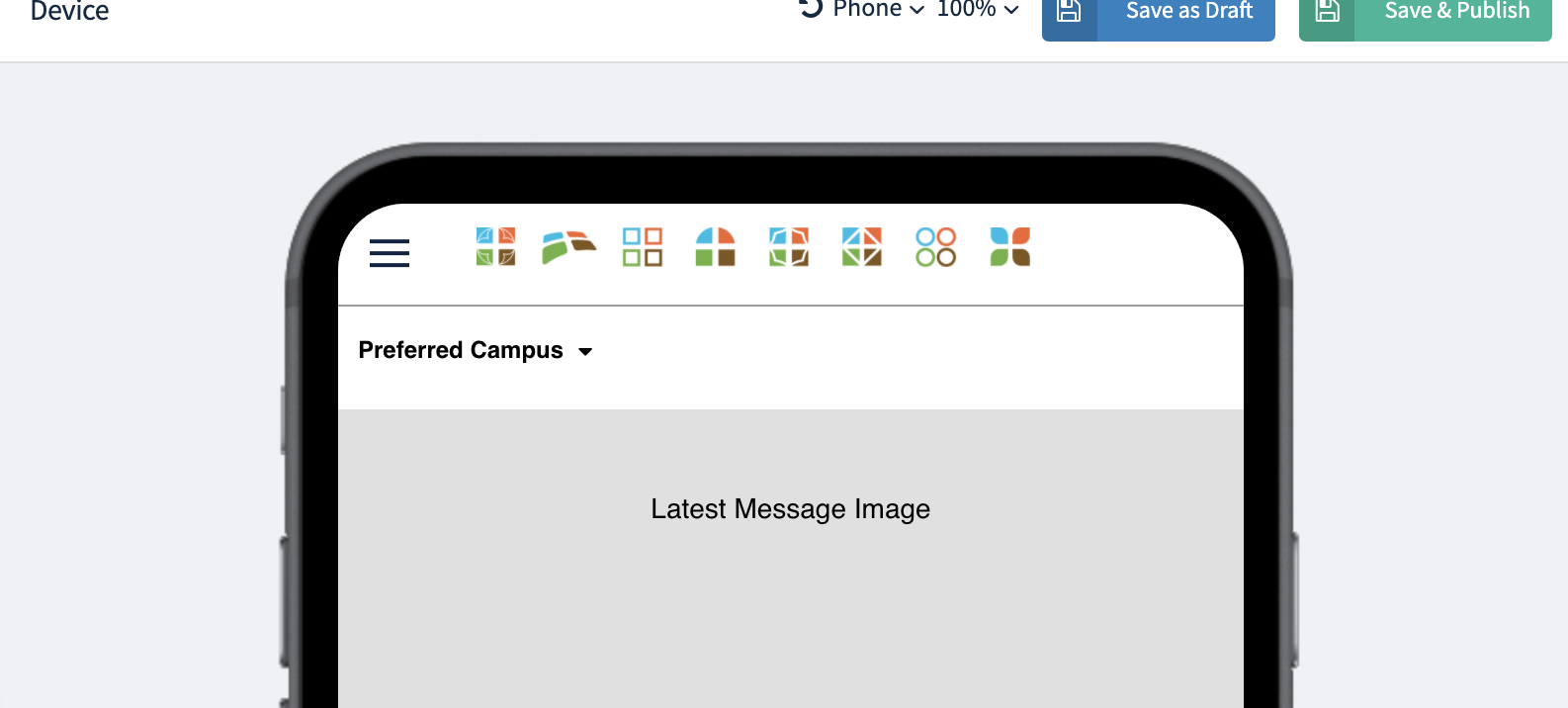
"Campus Media Picker" was renamed to "Preferred Campus Picker" in App Designer.
An update is now live that renames the "Campus Media Picker" to "Preferred Campus Picker." The rename avoided confusion, and the component can now be used in combination with the recent conditional display feature enhancement, which allows mobile app components to be displayed based on preferred campus. The picker component can be added to any App Designer page, including the home page, to allow mobile app users to easily be view and change their preferred campus for their OnlineGiving.org profile.