Feature Updates 05/05/2025
Stock Donations Now Available
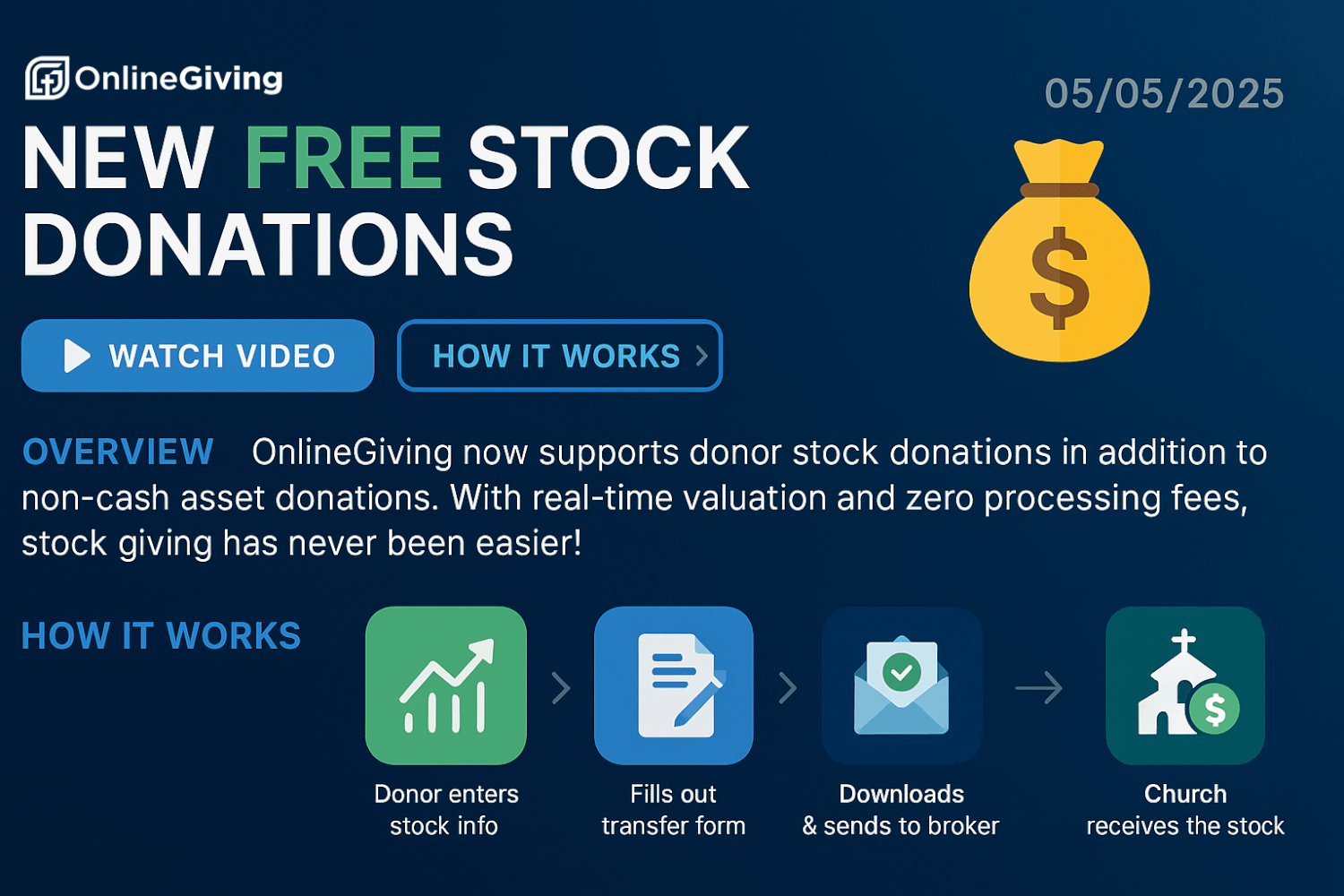
Now Available: Stock Giving – 100% Free, No Processing Fees
Churches receive the full value of donated stock—no transaction or platform fees are taken by OnlineGiving.org. That’s right—zero fees on stock gifts.
Watch the Full Demo Video
Want to see how it works before reading further? Checkout the video below which walks through the entire donor and admin experience from start to finish.
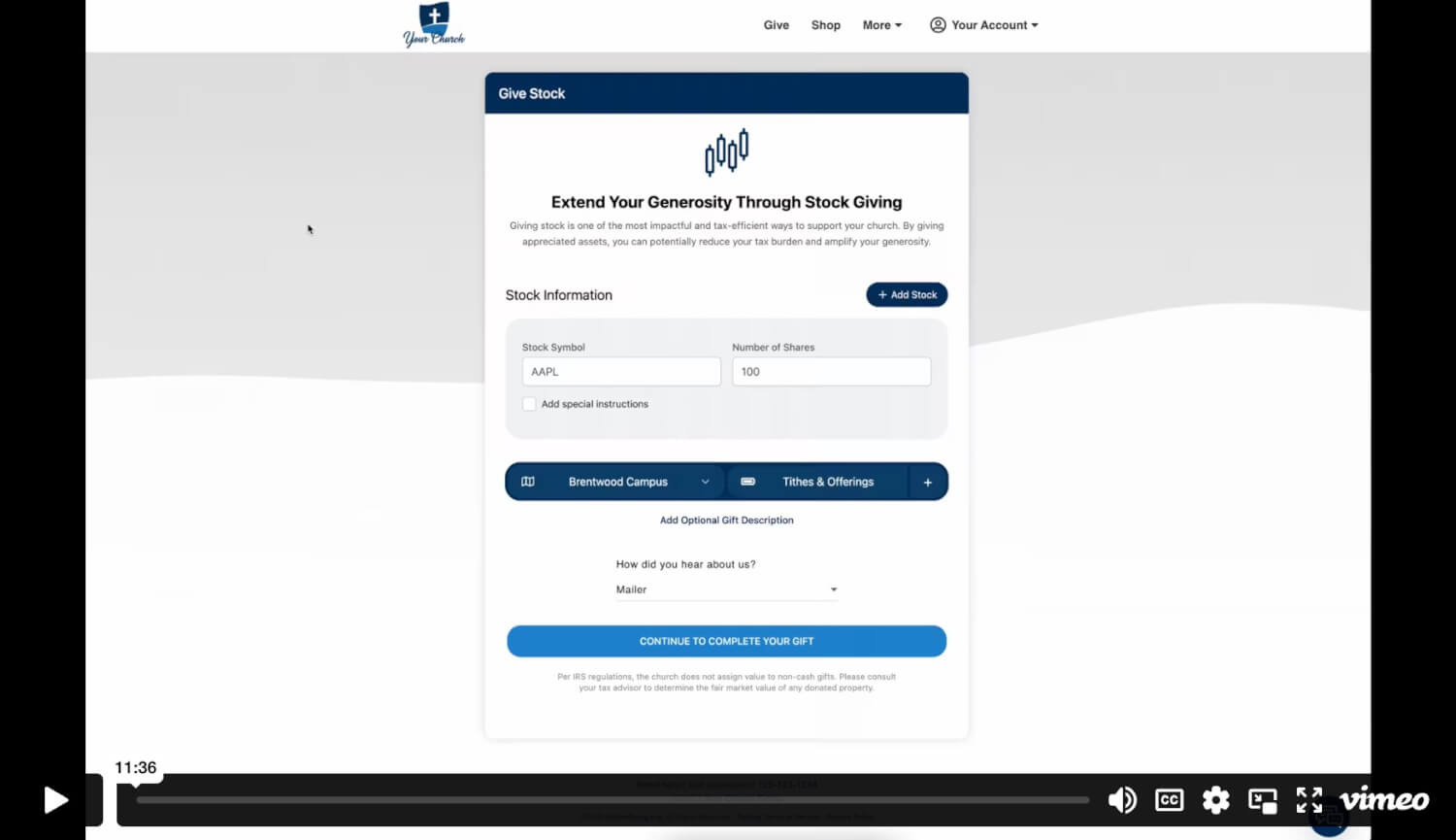
We’re pleased to introduce Stock Giving—a powerful new donation method built directly into the OnlineGiving.org platform. It allows donors to contribute appreciated stocks with real-time valuation, intuitive user flow, automatic document generation, and seamless integration into your existing financial processes and ChMS.
Checkout the Official Asset Donations User Guide (click here)
What’s New
Simple, Guided Donor Experience
Donors initiate a stock donation using an intuitive form. As they begin typing a stock ticker, real-time suggestions appear. After selecting the stock, they enter the number of shares to donate.
Live Stock Valuation
The platform fetches the current per-share price and calculates the total estimated value—ensuring clarity before submission and reducing donor error.
Multiple Stocks and Fund Designation
Donors can include multiple stocks in a single donation and designate portions of each to various funds or sub-funds using percentage splits.
Donor Journey
Upon submission, the donation is recorded as “Pending Received” and the donor is immediately shown:
-
A donation summary with estimated value
-
A downloadable Stock Transfer Authorization Form
-
A “What’s Next” section with clear instructions
This transfer form is automatically generated and branded with the church’s logo. It includes:
-
Donor and stock details
-
Receiving church brokerage info
-
Space for donor signature and date
A confirmation email is also sent, including the donation summary and a link to the pre-filled form.
Admin Workflow
Automated Notifications
Until marked as received, church financial admins receive daily email alerts with links to review pending stock donations in the Control Panel > Asset Donations section.
Marking Stock as Received
Once the stock has arrived at the church's brokerage:
-
The admin accesses the donation via the link or control panel.
-
Reviews and updates any info as needed.
-
Clicks to confirm receipt.
This action triggers:
-
Donor notification
-
ChMS sync (if supported)
-
Entry into the donor’s Stock Giving History
Key Benefits
-
Zero processing or platform fees on stock donations
-
Full donation value goes to the church
-
ChMS integration for supported systems
-
Optional auto-liquidation for converting stock to cash via the church’s brokerage
-
Secure, branded stock transfer documentation
-
Streamlined experience for both donor and admin
Getting Started
To enable Stock Giving, OnlineGiving.org will collect:
-
Your church’s brokerage information
-
Designated email addresses for donation notifications
Our team handles the rest—branding, document automation, and configuration.
Want to Get Started or Learn More?
Email us at support@onlinegiving.org or call (615) 206-4000 to enable Stock Giving today.