Feature Updates 07/18/2025
Now Live: A Refreshed Experience for the OnlineGiving.org Giving Assistant
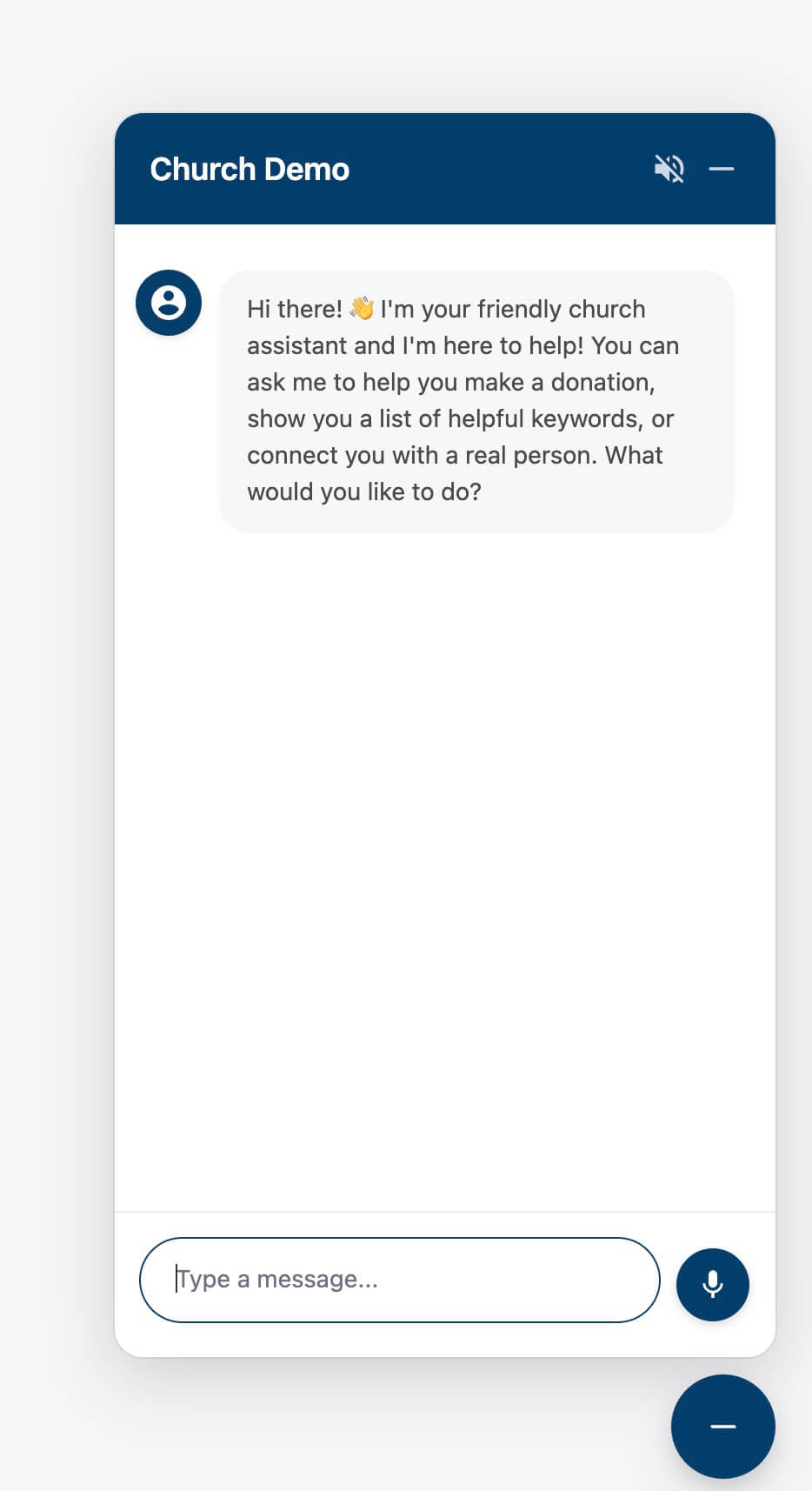
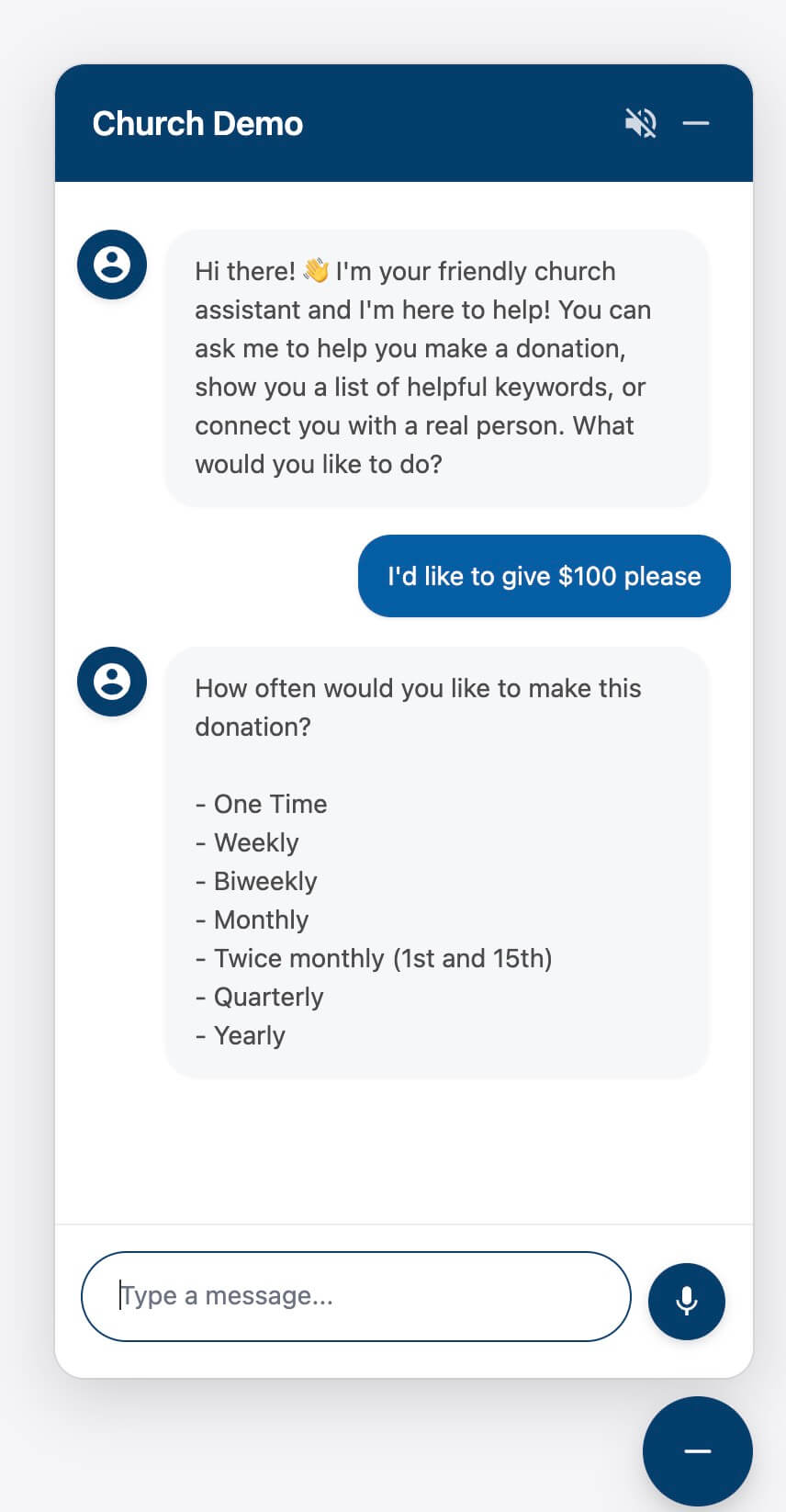
We’re excited to share that the OnlineGiving.org Giving Assistant — also known as the chat bubble or chatbox — has been completely redesigned. This refreshed experience introduces a modern look, smoother performance, and better support for today’s devices, helping churches engage with donors more naturally and effectively.
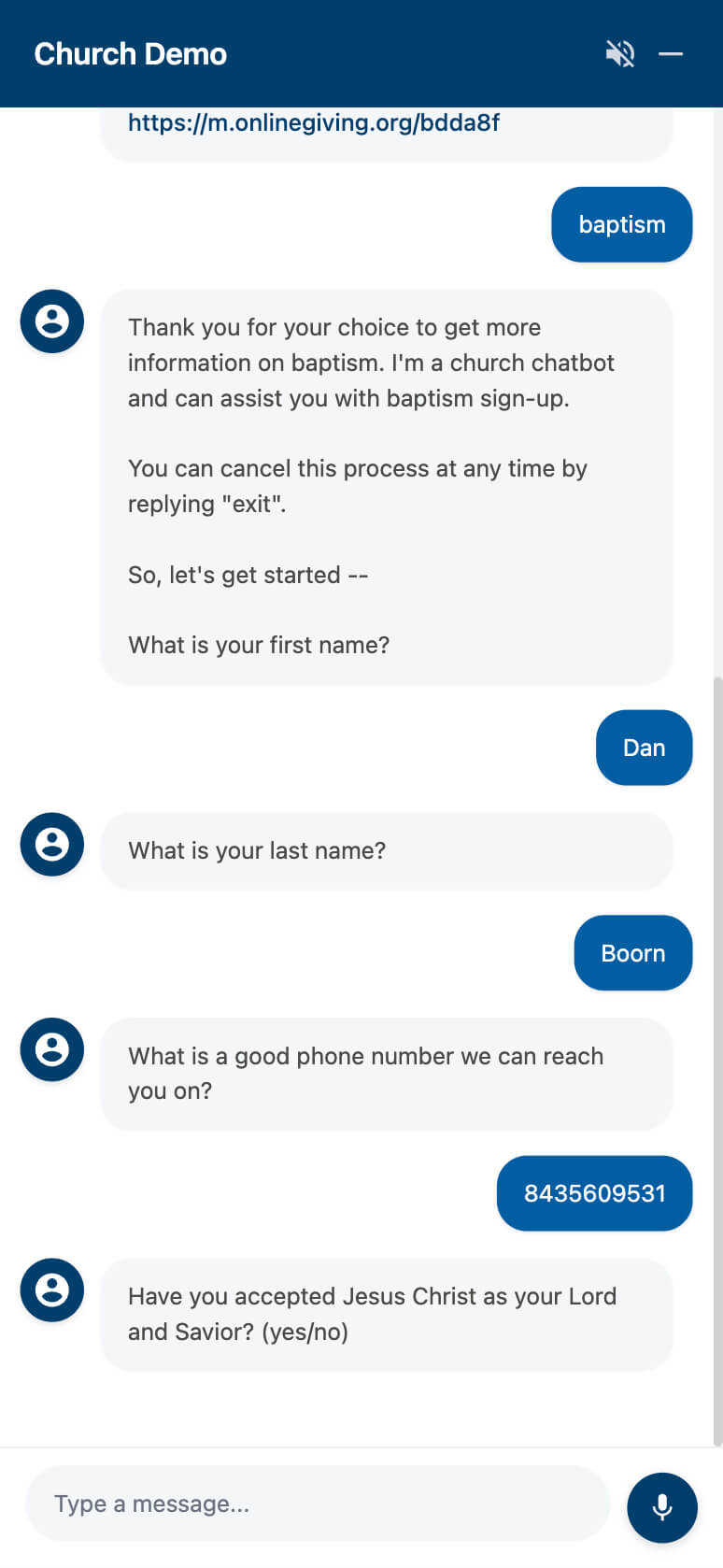
This isn’t just a design touch-up. It’s a full user interface upgrade that brings consistency, clarity, and ease of use across both desktop and mobile. The new floating layout stays out of the way but is always ready to help — whether that’s guiding someone through giving, answering a question, or launching a chatbot.
Here’s what’s new:
-
A modern, simplified design that adapts beautifully to all screen sizes
-
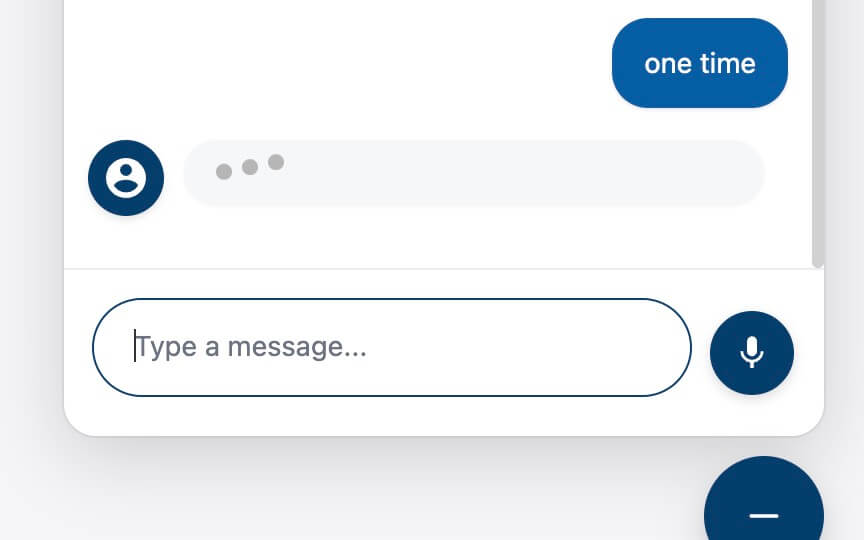
Updated icons, input fields, and loading animations for a more polished feel
-
Smoother conversation flow for real-time giving, support, and custom chatbot interactions
-
Improved visibility and usability across all browsers and devices
Feature highlights:
-
Seamless access to all chatbot tools: giving, contact forms, events, and more
-
Smart keyword detection and routing
-
Integration with automated responses and text-based workflows
Accessibility That’s Built In!
While these features have been part of the Giving Assistant for some time, many churches and users may not know they exist. With this redesign, they’re easier to discover and use.
-
Voice-to-Text Input: Donors can speak instead of type, which is helpful on mobile or when typing isn’t possible. Simply tap the microphone button on the chat window.
-
Text-to-Speech Playback: Chat responses can be read aloud, supporting users with visual impairments or reading challenges. Simply tap the unmute icon on the top right of the chat window.
These accessibility features work out of the box and are designed to ensure every donor, regardless of ability, can engage comfortably and independently.
 |
 |
 |
 |