Feature Updates 08/21/2023
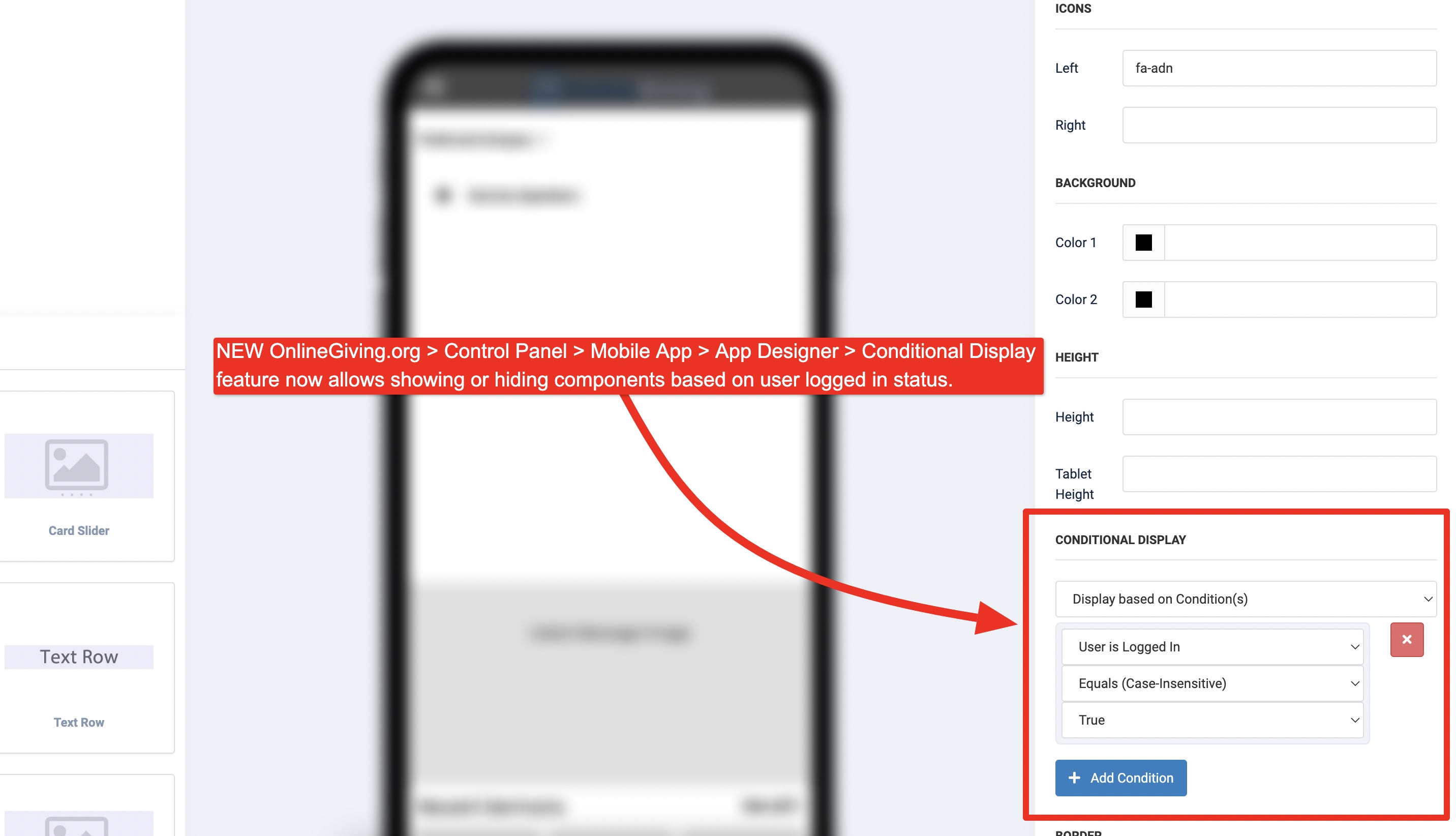
NEW OnlineGiving.org > Control Panel > Mobile App > App Designer > New Conditional Display Components based on User Logged In Status
We're pleased to announce an update is now live to the OnlineGiving.org Control Panel > Mobile App Designer > Conditional Display feature to allow church administrators to be able to show or hide components (content) based on the end user's login status. The update allows church administrators the ability to display additional features to users who are signed into the mobile application such as buttons, images, or any other component. Additionally, the same holds true as the feature may also be used to show content to guests (end-users not authenticated) in the mobile app.
It's important to note that mobile app users may need to close the open app from the mobile device app switcher to view the latest changes. For iOS devices, swipe up and hold from the bottom of the screen to view the app switcher (tasks manager), then swipe up on the open app to close, then open the app again to view the latest changes. For older iOS devices, double-tap the home button to view the app switcher. For Android devices, tap the navigation button, swipe up on the open app to close, and then open the app to view the latest changes.
Preview of the New Feature in App Designer