Feature Updates 10/10/2023
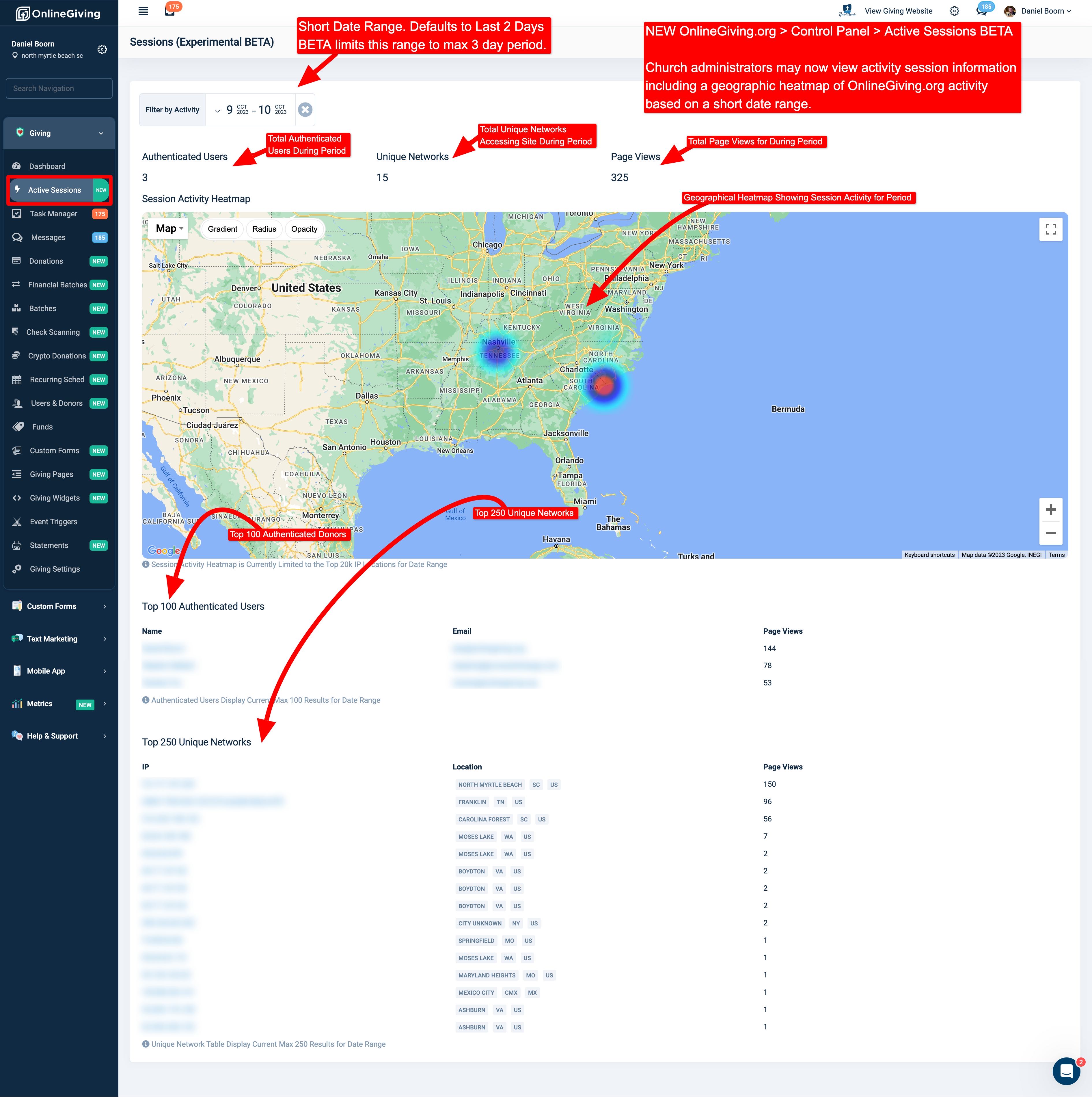
NEW OnlineGiving.org > Control Panel > Active Sessions Feature
We're pleased to report an upgrade is now live that adds a new Experimental BETA feature, "Active Sessions" available to church administrators under the OnlineGiving.org > Control Panel > Donations > Active Sessions. The new Active Sessions feature is designed to allow church administrators to gain insight on guest/user integration with their OnlineGiving.org giving website over a short period of time (defaults to the last 2 days). The feature displays the total active users, total unique networks, geographic heatmap of guests/users, top 100 active users, and top 250 active networks for the date range period. Please note this feature is Experimental BETA, which means it is available for use as a cutting-edge experimental BETA feature of OnlineGiving.org.
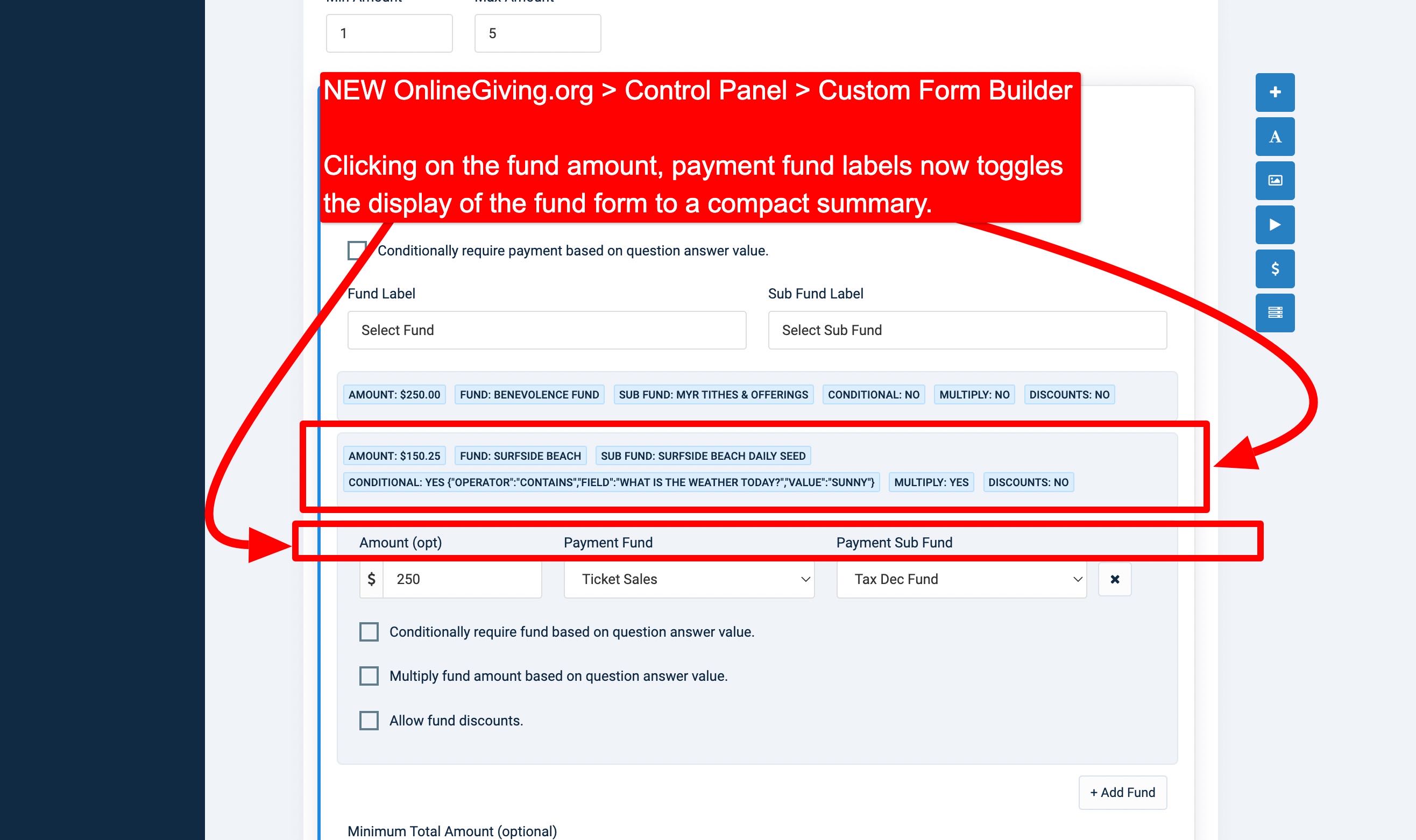
NEW OnlineGiving.org > Control Panel > Custom Form Builder > Collasping Fund Display
We're pleased to report an upgrade is now live that enhances the OnlineGiving.org > Control Panel > Custom Form Builder payment section church administrator experience to allow the space-saving collapse of funds display by clicking the fund labels. When collapsed, a short fund summary is displayed instead. Clicking on the summary expands the fund form fields again for editing purposes. The aim of the update is to save space when working on a custom form with a large number of fund rows.
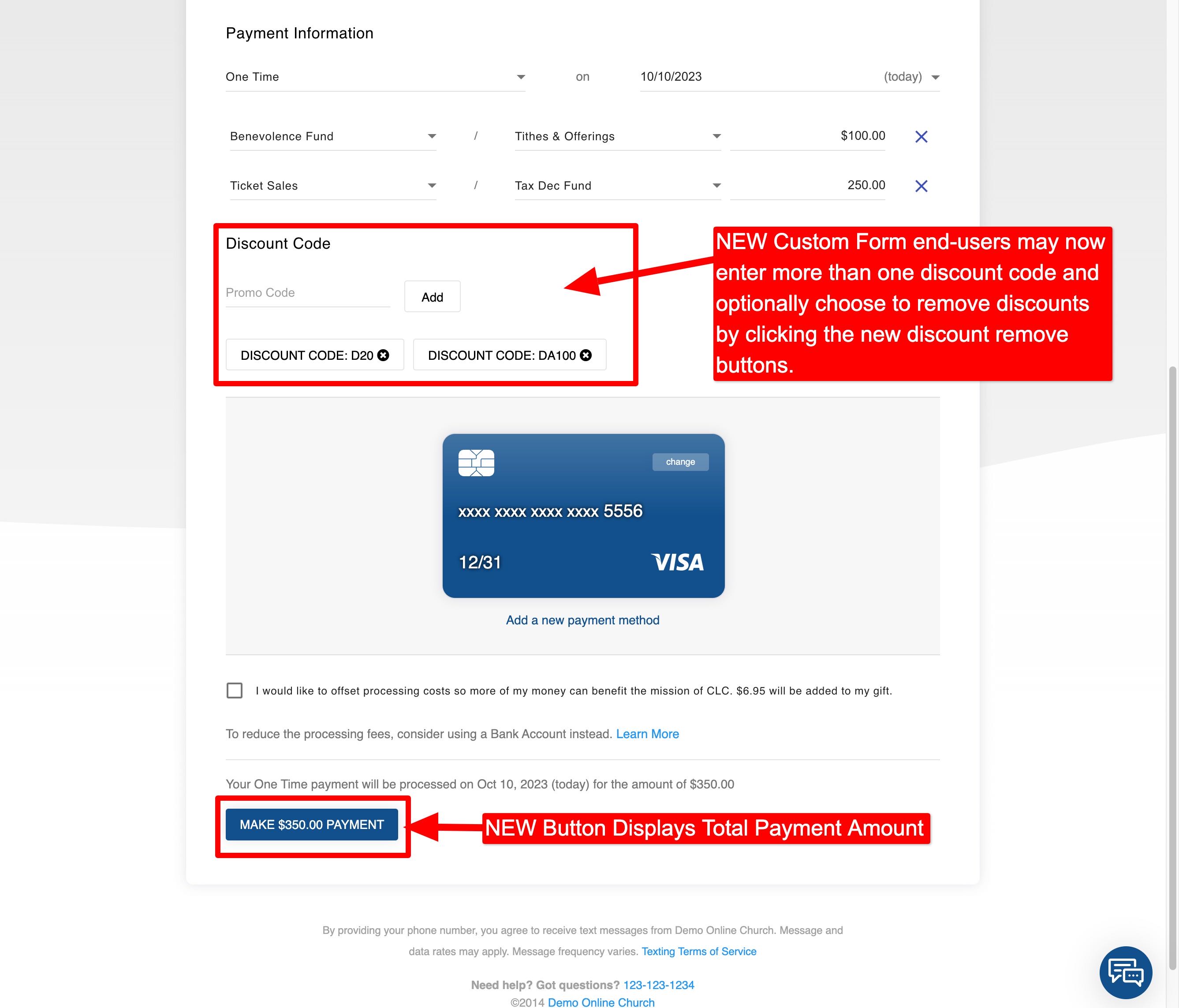
NEW OnlineGiving.org > Custom Forms > Ability for User to Add Multiple Discount Codes
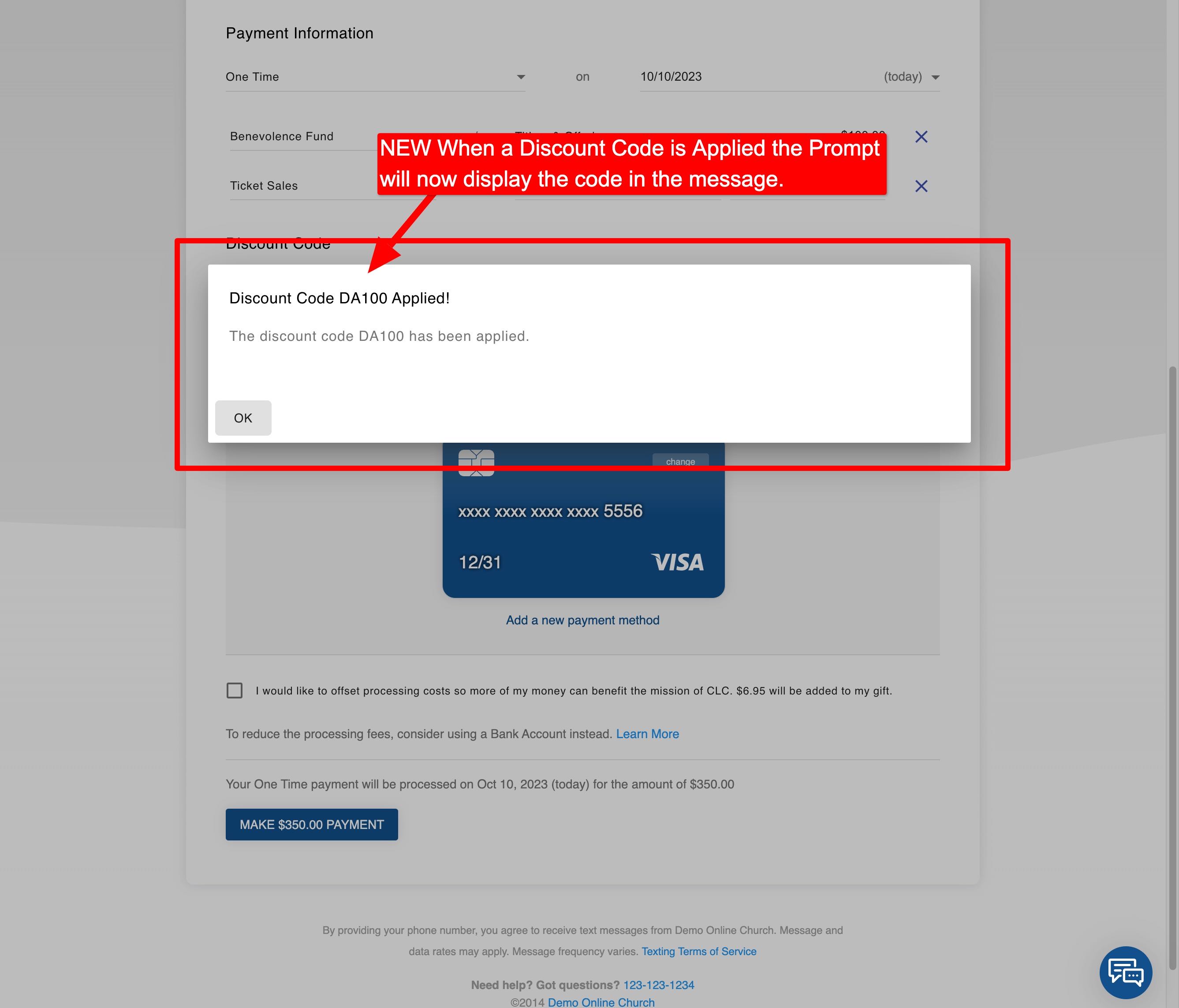
We're pleased to report an upgrade is now live that enhances the OnlineGiving.org Custom Form end-user experience to allow multiple discount codes to be applied. Moving forward, the custom form will now display the existing discount code(s) below the "Add Discount Code" section as clickable buttons (see preview below). A user may now click on the applied discount code button to remove it from the custom form (if desired). Additionally, the custom form will now apply one or more discount codes in the order the user enters them.