Feature Updates 12/16/2022
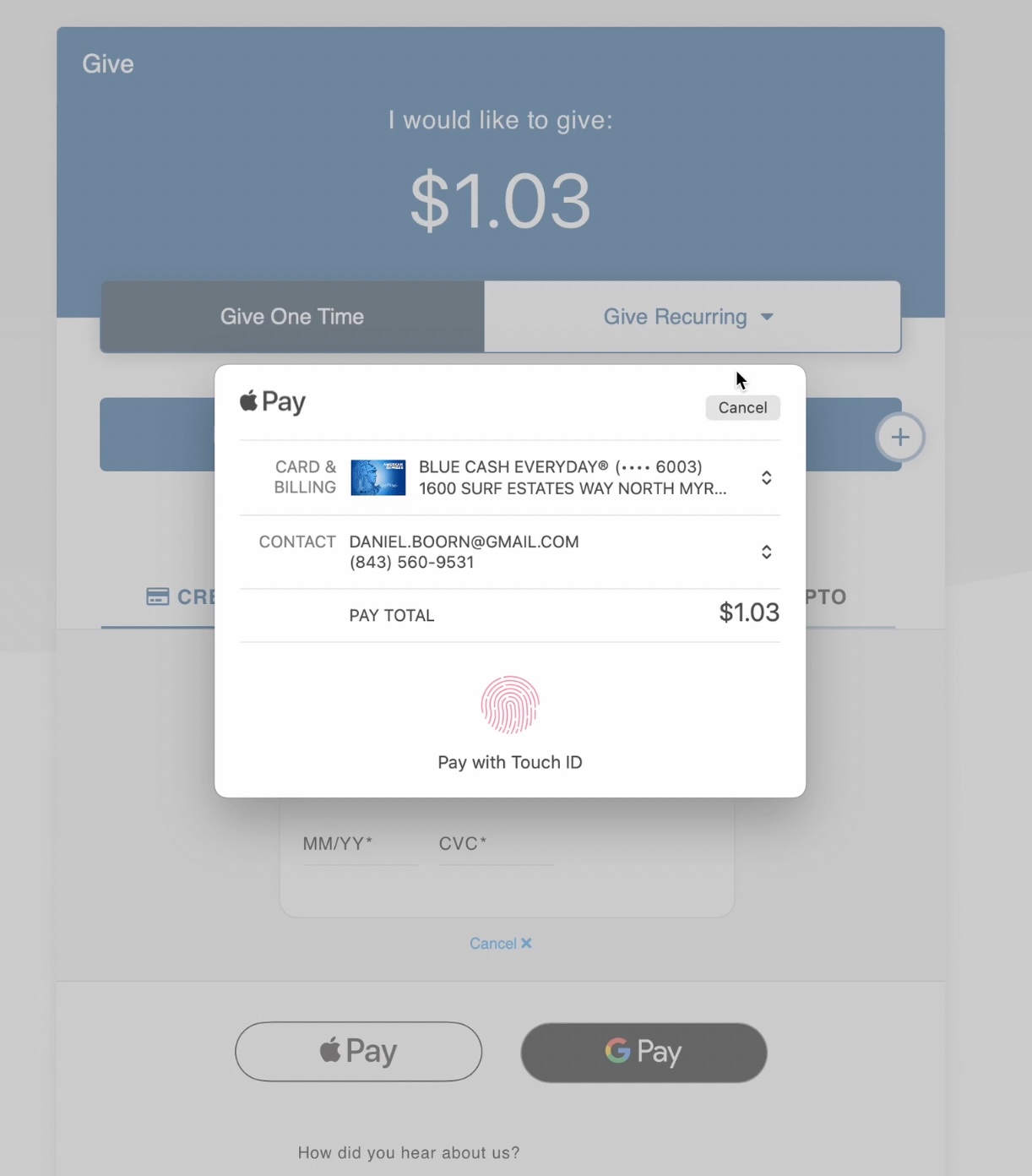
NEW Google Pay & Apple Pay (BETA) Support Launching Jan 2023
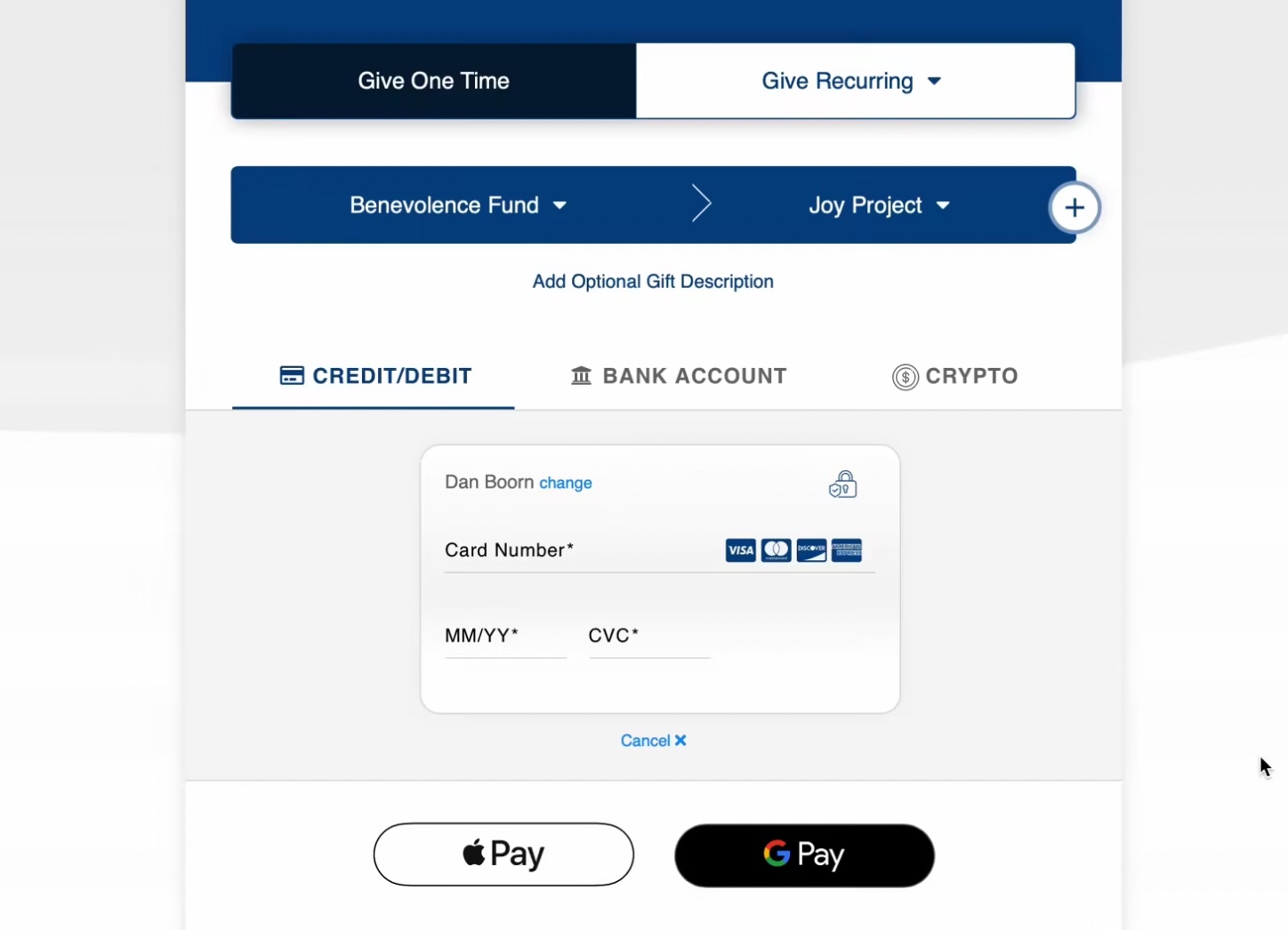
Since day one of the OnlineGiving.org platform launched back in 2015, we have offered easy Amazon-style giving with saved payment methods which allow for 10 seconds or less 2nd+ time (repeat) giving. Today OnlineGiving.org is still the industry leader in technology, and we're very excited to announce that releasing Google Pay & Apple Pay is now in BETA. Please feel free to reach out to support@onlinegiving.org after Jan 1st to ask about joining our BETA Google/Apple Pay preview. For your convenience, we've included a quick video demo below showing an Apple Pay and Google Pay donation below. Our team continues to push the boundaries of technology for The Church. We're hopeful these new giving methods will allow our generation's youth to tap into giving with even more convenience.
Apple Pay iPad Video Demo (Live Account):
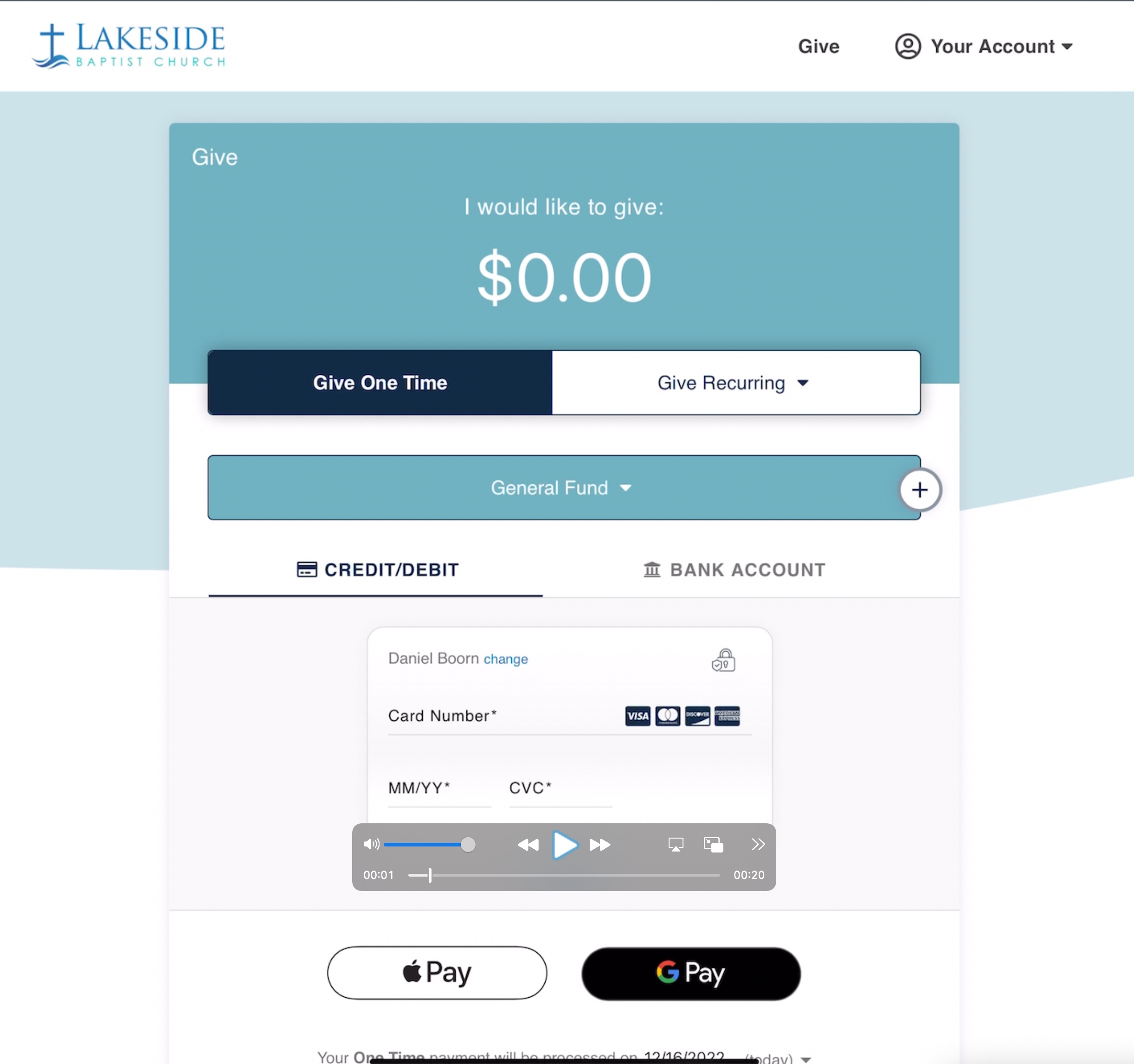
https://vimeo.com/781976629/804f17d845
Google/Apple Pay Desktop Demo:
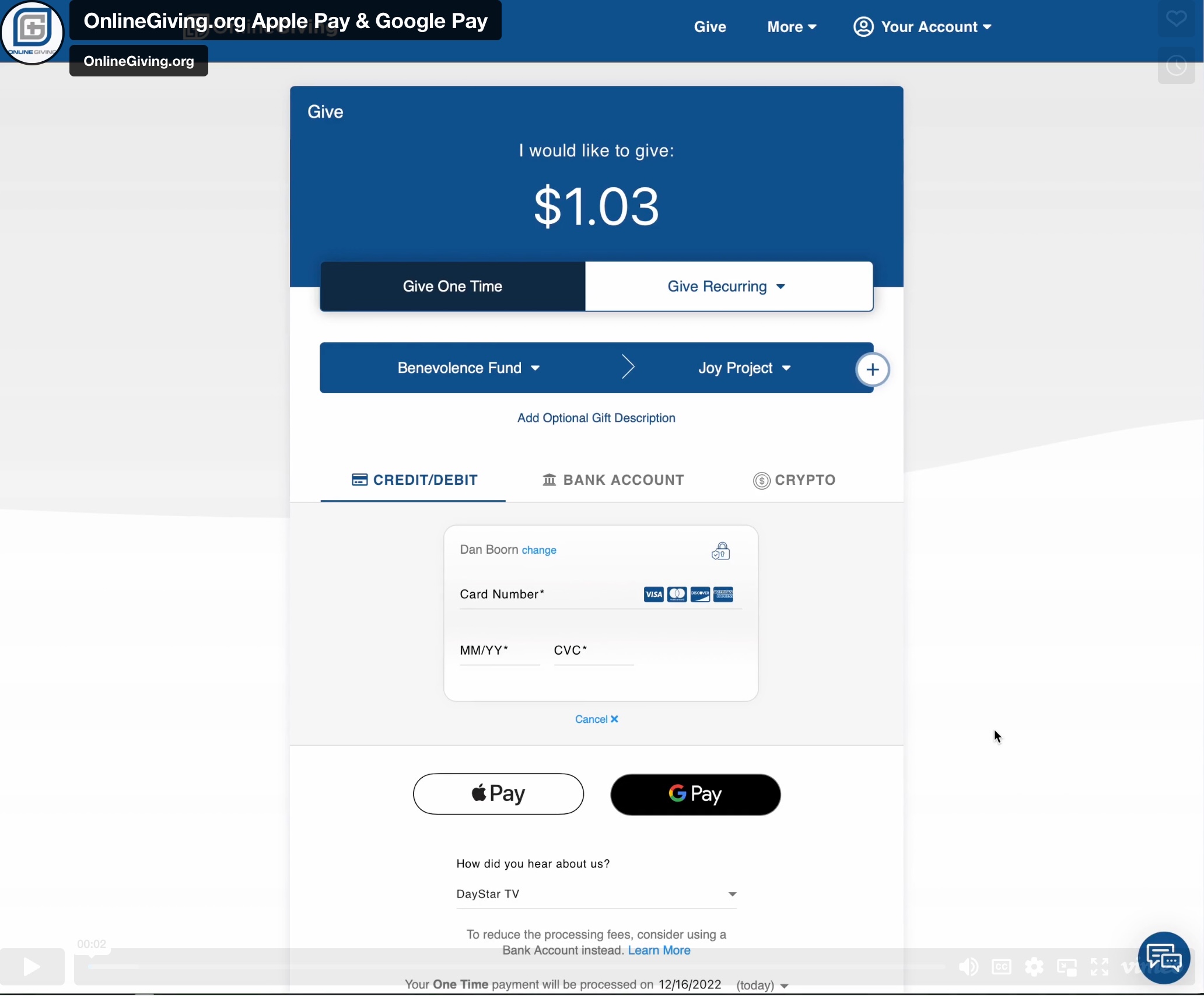
https://vimeo.com/781968821/0447cbb124
Google/Apple Pay Screenshots:
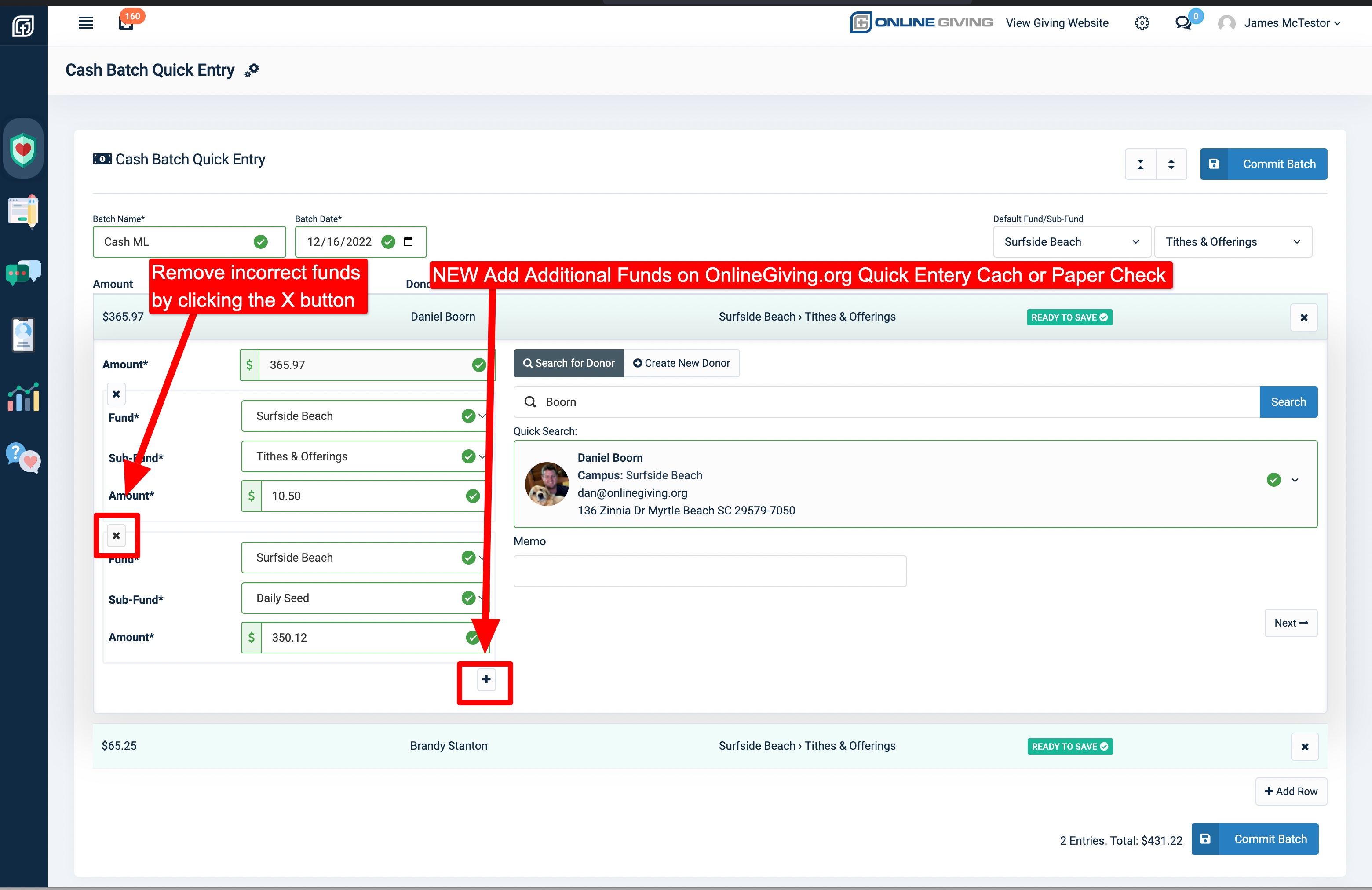
NEW OnlineGiving.org Quick Entry for Cash & Paper Check Enhanced with Multiple Fund Support
We're pleased to report an update is now live that enhances the OnlineGiving.org Quick Entry for Cash and Paper Check donations to allow for multiple funds. Moving forward, church administrators can now each record multi-line contributions using the OnlineGiving.org Quick Enter feature in the control panel.
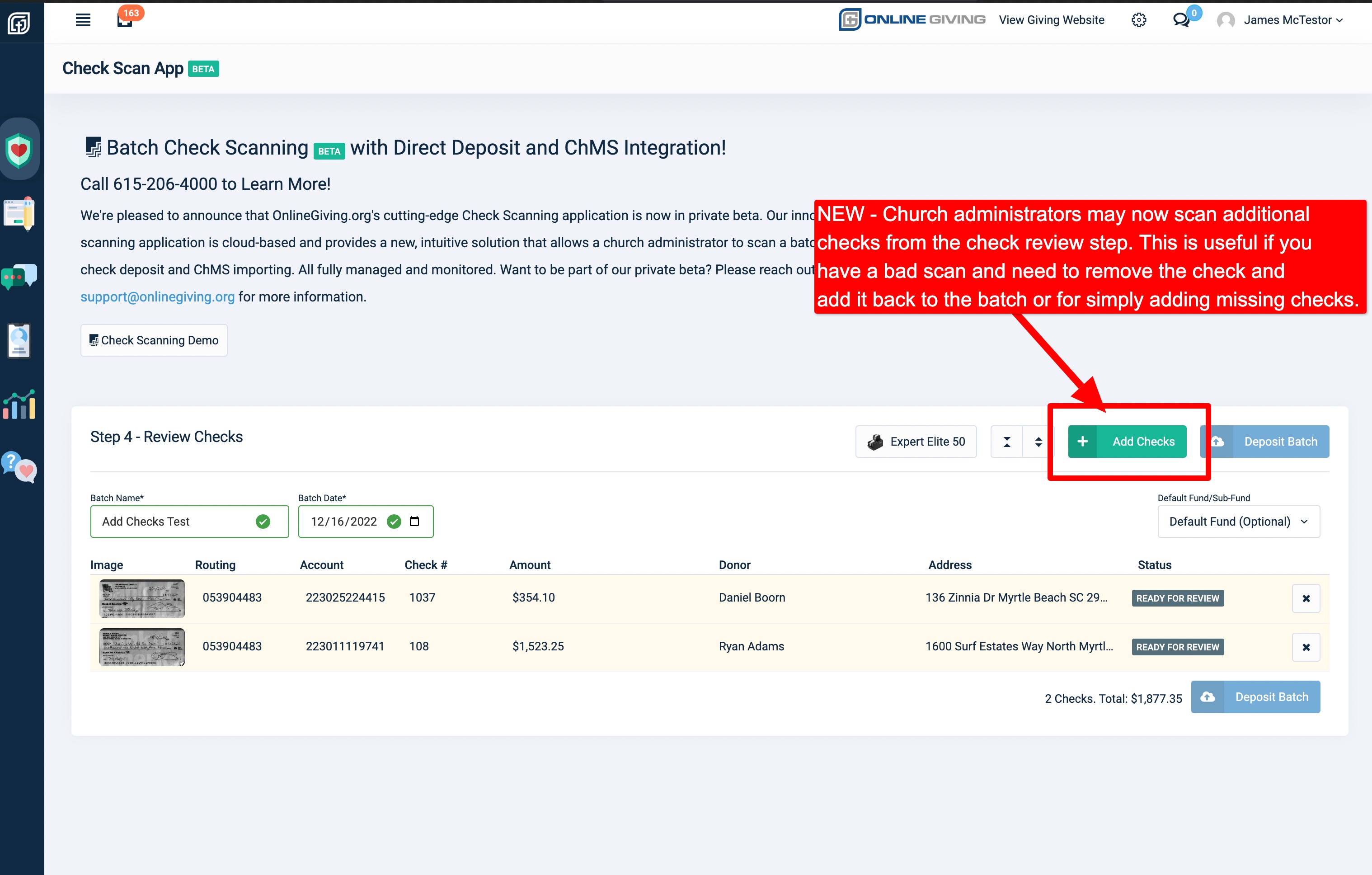
NEW Scann Additional Checks in Check Review Step from the OnlineGiving.org Check Scanning App
We're pleased to report an update is now live that enhances the OnlineGiving.org Check Scanning application to allow a church administrator to add additional checks from the check review step. The update allows church administrators to remove and rescan checks or add additional checks into a batch in the review process. Additionally, the feature allows a church administrator to scan in smaller stacks while working on a single larger batch for deposit. For example, the optional ability to scan 10 checks, review them, repeat as needed until all are scanned, then submit for deposit. This is an optional method of using the check scanning application vs. scanning a single large stack at once, made possible by this update.